Credit Card Processing for Medical Practices: Collect at Every Step
It is 5:40 on a Tuesday and the waiting room is finally empty. The front desk has a stack of superbills with patient balances nobody collected, a card terminal that only gets used when someone walks up to it, and a merchant statement that has been sitting unopened since last month. Insurance covered its share on most claims. The patient-portion money, the copays, the deductibles, the coinsurance, is scattered across statements, voicemails, and invoices nobody has time to chase.
Getting credit card processing for medical practices right is not mostly about what a processor charges. It is about where payments actually happen in a practice, and what to ask for at each point so the money shows up while the patient is still engaged, rather than weeks later in a paper chase.
Where Credit Card Processing for Medical Practices Actually Happens
A terminal is only one piece. A medical practice's revenue touches six or seven collection points across the patient journey, and patient payment processing works best when each point has a deliberate tool behind it instead of one device doing everything poorly. Walk through a typical visit and the money shows up in very different places.
Check-In Copays
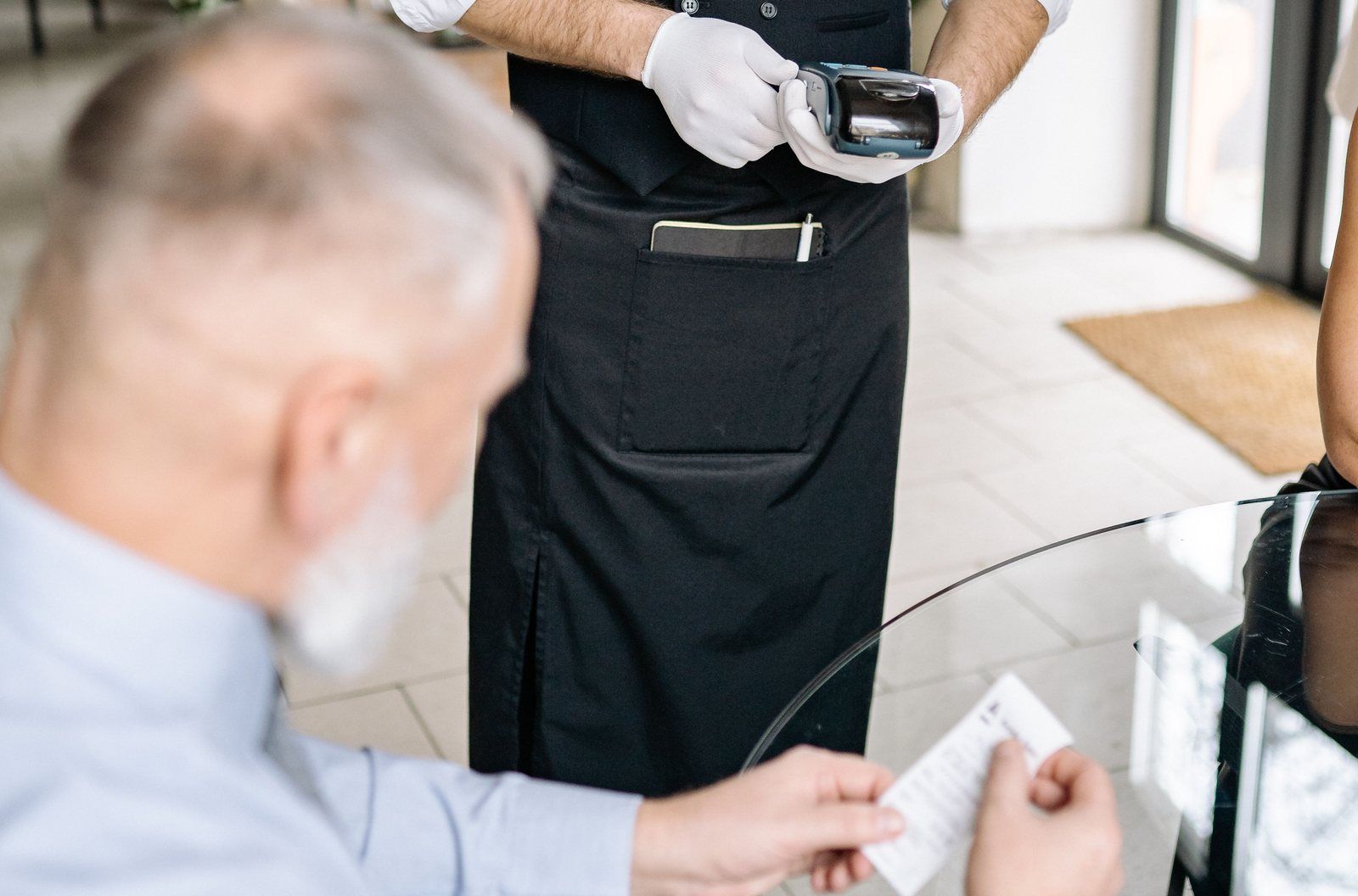
The copay is the easiest money in the building to collect. The patient is standing at the front desk at 7:30 in the morning, card in hand, expecting to pay. Nothing has to be mailed, nothing has to be chased. The only question is whether the transaction is frictionless enough that a check-in line keeps moving.
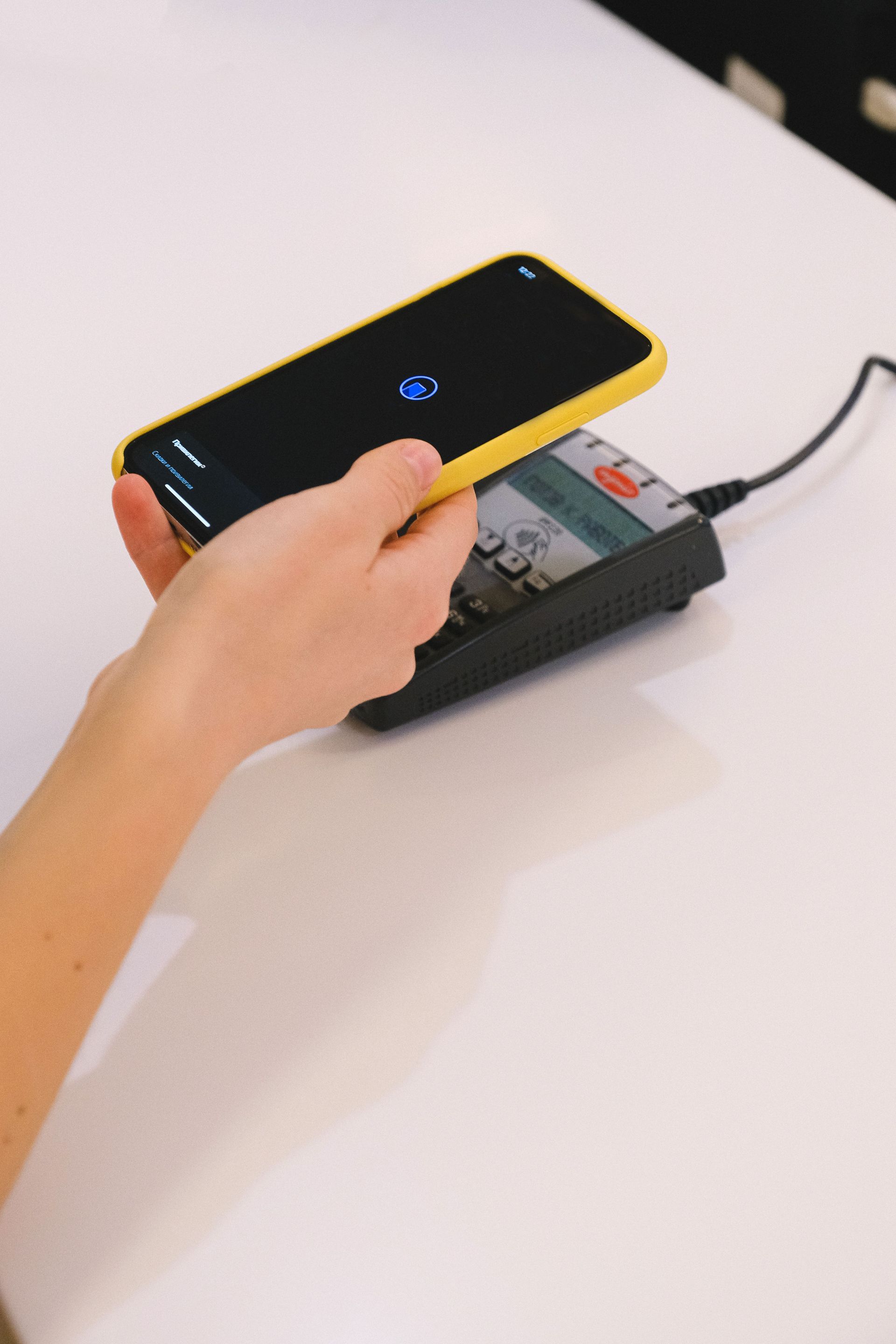
A modern terminal with tap and contactless helps more than it sounds like it would. When five people are waiting and the first appointment of the day starts in four minutes, the difference between a tapped card and a dipped, signed, receipted transaction matters to the rhythm of the desk. It also matters that staff actually use whatever is in front of them. A front desk terminal the team reaches for without thinking beats a theoretically better rate on a machine nobody collects on. In medical payment processing, the tool that gets used is the tool that wins.
Checkout Balances and Same-Day Estimates
Some practices can estimate patient responsibility before the patient leaves: today's visit, the remaining deductible, the coinsurance split. If your practice can do that even roughly, checkout becomes a second collection point, and often the larger one.
Getting there requires three things to line up: a terminal at the desk, a workflow that produces the estimate, and a staff habit of asking. Notice that the processor is barely on the list. The routine does the work. A practice that consistently says "your portion for today is about this much, would you like to take care of it now" collects money that would otherwise become next month's statement and follow-up call. And every balance collected at checkout is a balance that never enters the after-visit follow-up queue, which quietly shrinks the workload on the billing side.
After Insurance Adjudicates
The hardest money to collect arrives weeks after the visit, when insurance finishes adjudicating and the patient's remaining balance becomes real. By then the patient is gone, the visit is a memory, and the practice is mailing statements, leaving voicemails, and hoping. This is where most patient-portion revenue leaks, not because anyone did anything wrong but because the tools were built for a retail counter, not a billing cycle.
Email and text payment links change the shape of that chase. A statement arrives with a link, the patient taps it on their phone, and a transaction that used to be a phone tag marathon becomes a two-minute exchange. Monument's online and remote payments page lists copay collection, patient invoicing, and treatment plans for healthcare, and the gateways it deploys send invoices by email or text so patients can pay through a secure link.
Phone Payments
Patients still call in to pay. The question is what happens next. In a practice with no proper tool, someone reads a card number aloud, or worse, writes it on a sticky note and keys it in later. A virtual terminal lets staff take the payment directly over the phone without handling card details manually. That is about all we will say here, because virtual terminal selection and cost deserve their own conversation.
Card on File and Payment Plans
Multi-visit care is common in practices like yours: physical therapy schedules, chiropractic treatment plans, balances that remain after a procedure. Card on file and recurring billing exist for exactly these situations. A large balance the patient cannot pay today becomes a scheduled plan they can, with payments running automatically until the balance clears.
When you evaluate this, ask your provider how stored cards are handled and what happens when one expires or gets replaced. Tokenization and vaulting are the terms you will hear; the questions worth asking are whether card data is stored in a secure vault, and how much staff has to touch. You do not need to become an expert. You need to know what to ask.
Card-Present Versus Card-Not-Present, in Plain Terms
A card tapped at your front desk and a card typed into a payment link travel differently through the networks. The tapped card is card-present: cheaper to process, simpler to secure. The typed card is card-not-present: it costs more and it carries more fraud risk, so providers have to handle it differently on both fronts.
The practical takeaway for you as an owner is this. A payments upgrade usually shifts a practice's mix toward card-not-present, because suddenly you are sending links and taking plans instead of only counter payments. Before you sign with anyone, ask how remote and keyed transactions are priced and secured, not just what the counter rate is.

Payment Channels in a Medical Practice
Here is the whole picture in one view. Each row is a place your patients might try to pay you, and the last column is what to ask before you rely on it.
| Channel | When patients use it | What to check with your provider |
|---|---|---|
| Front desk terminal | Check-in copays, checkout balances | Terminal hardware options, tap and contactless, and simple refunds and voids |
| Post-visit payment link | After the statement or EOB arrives | Whether links can be sent by email and text, and whether payment posts back cleanly |
| Phone / virtual terminal | Patient calls in to pay | How keyed transactions are priced; whether staff ever sees or writes down card numbers |
| Card on file | Returning patients, ongoing care | Tokenization and vaulting, and how stored cards update when they expire |
| Recurring payment plan | Multi-visit treatment plans, large balances | Scheduling flexibility, failed-payment handling, patient self-management |
| ACH / eCheck | Larger patient balances | Cost per transaction versus card percentage, settlement timing |
| Online portal / hosted payment page | Patients who prefer to pay on their own time | Branding, patient experience, how balances display |
The right mix depends on your practice type, your billing workflow, and how your patients prefer to pay. There is no single correct combination. A family practice with high copay volume looks different from a specialty clinic with large post-procedure balances, and both look different from a therapy office running ten-visit plans.
Matching the Tools to the Workflow
There is no universal answer here, and anyone who hands you one before understanding your practice is guessing. In practice, medical merchant services are less about one terminal and more about a stack that matches the workflow.
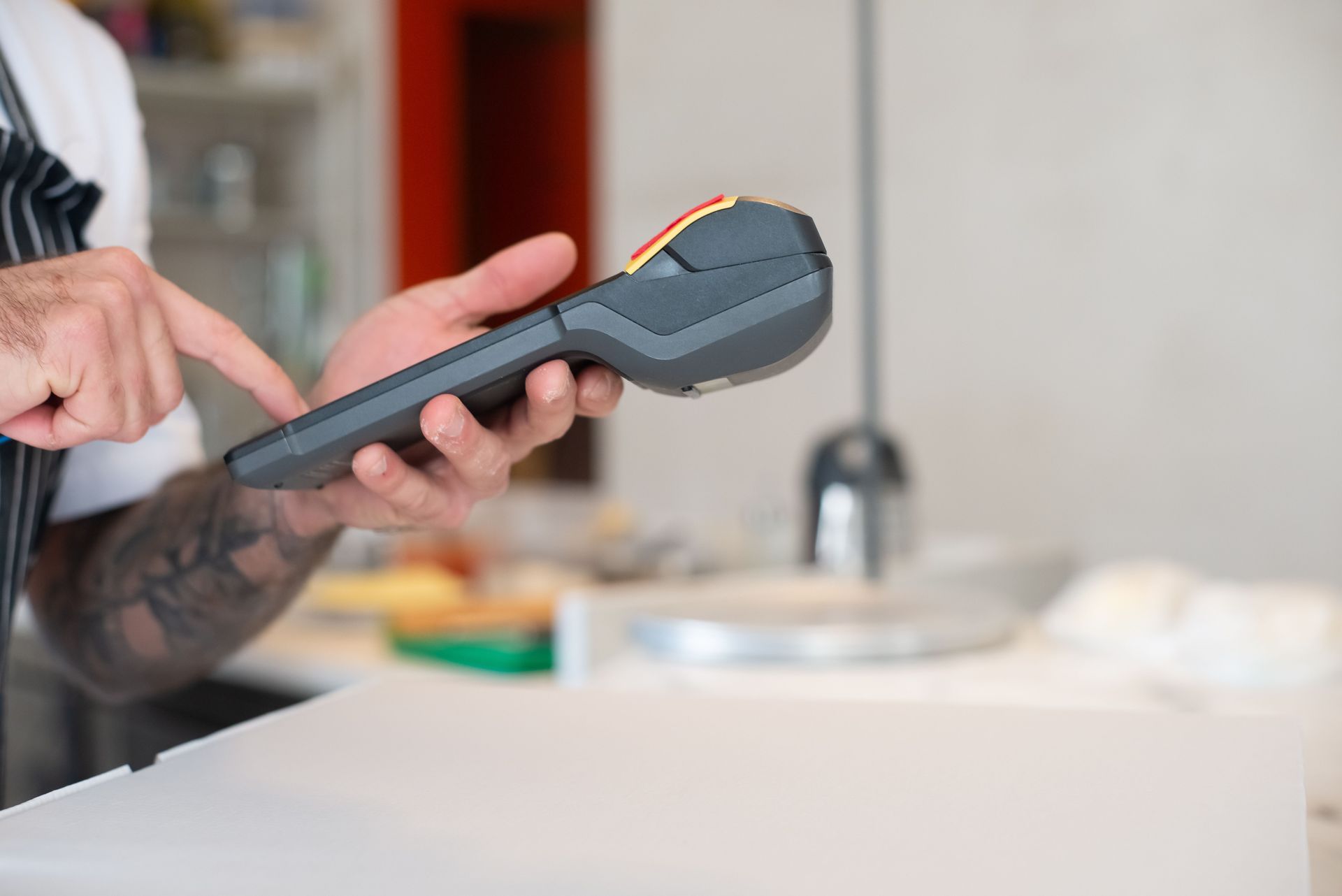
On the in-person side, Monument's healthcare page lists Clover as a front-desk terminal, with a hardware lineup (Station Duo, Flex, Mini, Go) and an app ecosystem of more than 500 integrations. The in-person payments page covers the counter side in more detail.
On the remote side, gateways do the heavy lifting for everything that happens after the patient walks out. Accept Blue brings invoicing, recurring billing, ACH, a customer vault, Level 2/3 support, and batch uploads, which matters if you are migrating stored plans or setting up a group of recurring patients at once. iPOSpays offers a virtual terminal, invoicing, recurring billing, hosted payment pages, and QuickBooks Online sync for practices that live in their accounting.
Which combination fits depends on the practice. The point is that the stack should follow the workflow, not the other way around.
ACH and eCheck for Larger Patient Balances
ACH moves money bank to bank, bypassing the card networks entirely, and recurring billing is where it fits best. For patients on payment plans or settling large balances after a procedure, some practices offer bank debit alongside cards through the same gateway, so the patient picks the method and the practice keeps everything in one system. The ACH and eCheck solutions page explains how it works and how its per-transaction cost differs from percentage-based card pricing.
Integrations: Ask Before You Buy
Medical credit card processing lives or dies on whether payments connect to the systems your practice already runs. Practice management and EHR integration depends on the specific platform, and any honest consultant will want to evaluate yours during a conversation rather than promise compatibility up front.
The questions to confirm with any vendor, current or prospective, are simple. Does the payment post back to your system of record? Does staff have to rekey anything? Does the patient's balance update automatically? If the answers are yes, no, and yes, the integration is real. If the answers involve a workaround, a spreadsheet, or "we can look into that," treat it as a gap until proven otherwise.
Multi-Location Practices
If you run two or more sites, you have a different set of problems: reporting that needs to separate locations while staying under one administrative roof, a patient experience that should not change depending on which door someone walks through, and payment management that a central billing team can actually oversee. Ask whether each location can be reported separately while remaining consolidated administratively, and whether payment links and payment plans follow the patient across sites. A patient who starts a payment plan at one clinic should not confuse the front desk at another.
Fee Recovery in a Medical Setting: Proceed Carefully
Some practices ask about surcharging or dual pricing after seeing gas stations and restaurants do it. It is worth pausing here, because healthcare is not retail. The rules around fee recovery vary by state and by card brand, and some states prohibit surcharging entirely.
Beyond the rules, patient relationships read differently in a practice. A card fee at a fuel pump may not surprise anyone. A fee at the front desk of a practice that also bills insurance lands differently with patients, and whether it suits your practice is a judgment call, not a default.
Monument reviews state rules and each business's situation before recommending any fee recovery program, and will not recommend one that is not compliant. The dual pricing and surcharging page explains the program types, and the payment programs overview says practices billing insurance and collecting patient balances benefit from ACH for recurring payments and interchange-plus for card transactions.
Reading Your Statement and Comparing Pricing Models
Interchange, processor markup, interchange-plus versus flat-rate versus tiered, effective-rate math: all of it is real, and all of it is worth understanding before you switch anything. Rather than restate it here, Monument already has a guide to reading a processing statement and comparing pricing models that walks through it line by line, and most of it applies to any practice.
One healthcare-specific note before you go quote shopping. The card-not-present share of a practice's volume is often what makes pricing-model comparison tricky. A quote built for card-present retail volume will not match your actual mix once payment links and recurring plans enter the picture. The traditional processing page covers interchange-plus, flat-rate, and tiered structures and how Monument reviews a current statement before recommending one.
Patient Data Handling: Questions to Ask Any Vendor
Payments in a medical setting touch both card data and patient context, and your practice carries obligations on both sides. We will not pretend to be your compliance consultant, because we are not one. What we can tell you is what to ask.
Ask any vendor, current or prospective: how is patient and card data handled, where is it stored, and what tokenization and encryption apply? For the authoritative word on patient data obligations, go to HHS guidance for professionals. The practical point underneath all of it is simple: payment tools that keep card data out of your staff's hands, and out of your own systems, reduce the surface area everyone has to protect.
How a Practice Gets From Messy to Working
Healthcare payment processing improves in a sequence, not a single purchase. The approach we use with practices runs in five steps. First, we review your current billing and collection workflow as it actually happens, not as the policy manual says it does. Second, we identify where payments are delayed or lost, which in many practices turns out to be after insurance adjudicates rather than at the copay window. Third, we recommend the right mix of in-person and remote tools for your practice type and patient mix. Fourth, we configure everything with security in mind. Fifth, we train your administrative team and stay available for ongoing support, because tools nobody was trained on quietly stop being used.
Monument is based in Grand Junction on Colorado's Western Slope and supports practices elsewhere remotely.
See Where Your Payments Are Leaking
If your front desk collects copays but everything else becomes a statement and a phone call, you do not necessarily have a rate problem. You have a workflow problem, and workflow problems have workflow solutions.
Monument Payments offers a free consultation on your practice's billing and collection workflow. We will look at where the money actually gets collected today, where it stalls, and what combination of in-person and remote tools fits. Visit our healthcare and professional services page or our contact page, or call (970) 239-1307.