SYSTEMS
iPOSpays®, Configured and Deployed by Monument
iPOSpays is Dejavoo's enterprise omni-commerce gateway — combining a Cloud POS virtual terminal, secure payment links, recurring billing, hosted checkout, and Tap to Pay on iPhone and Android. Monument configures, pairs, and supports iPOSpays for businesses that need more than a countertop terminal.

ETA Certified Payment Professional
Serving Businesses Since 2014
500+ Merchants Served
PCI DSS Compliant
Why iPospays
Why Monument Deploys iPOSpays
Most payment terminals handle in-person transactions well. iPOSpays fills the gap for everything else, phone orders, remote invoicing, recurring billing, online checkout, and mobile tap-to-pay. For businesses with a mix of in-person and card-not-present volume, it is the most complete single-gateway solution Monument deploys.
The Level 2 and Level 3 data enrichment feature is particularly valuable for B2B merchants processing corporate purchasing cards. iPOSpays automatically submits the additional data fields that qualify transactions for lower interchange rates, a feature most gateways require manual configuration or miss entirely.
Monument also evaluates your processing arrangement as part of every iPOSpays deployment. Gateway configuration and processor selection are handled together so you are not paying more than necessary on either.
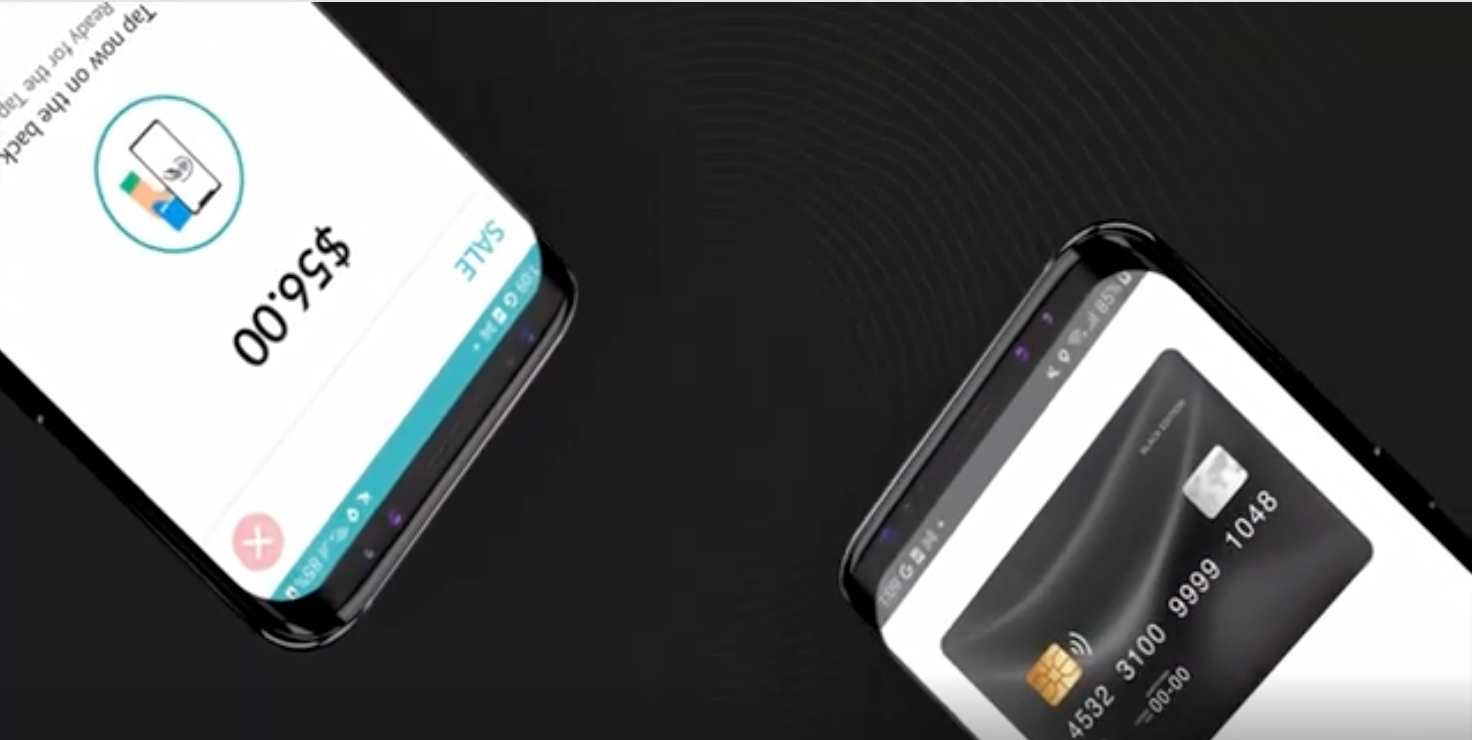
iPOSpays Feature Overview Video
iPOSpays™ Is a Strong Fit For:
- Businesses needing a virtual terminal for phone and remote orders (MOTO)
- ervice businesses that invoice clients and collect payment remotely
- B2B and B2G merchants processing corporate cards who want lower interchange via L2/L3
- Healthcare, professional services, and field service businesses
- Merchants already using Dejavoo terminals who want unified gateway reporting
- Mobile merchants wanting to accept tap-to-pay on iPhone or Android with no hardware
- Businesses needing recurring billing for subscriptions or installment plans
May Not Be Ideal For:
- Full-service restaurants needing table management and kitchen display systems (Clover or SpotOn is better suited)
- High-volume retail needing a dedicated countertop POS with inventory management (Korona or Clover is a better fit)
- Businesses that only process in-person and have no need for remote or online payment tools
Hardware & Software
iPOSpays Payment Channels
onument configures the right combination of virtual, mobile, and in-person payment channels for your business.
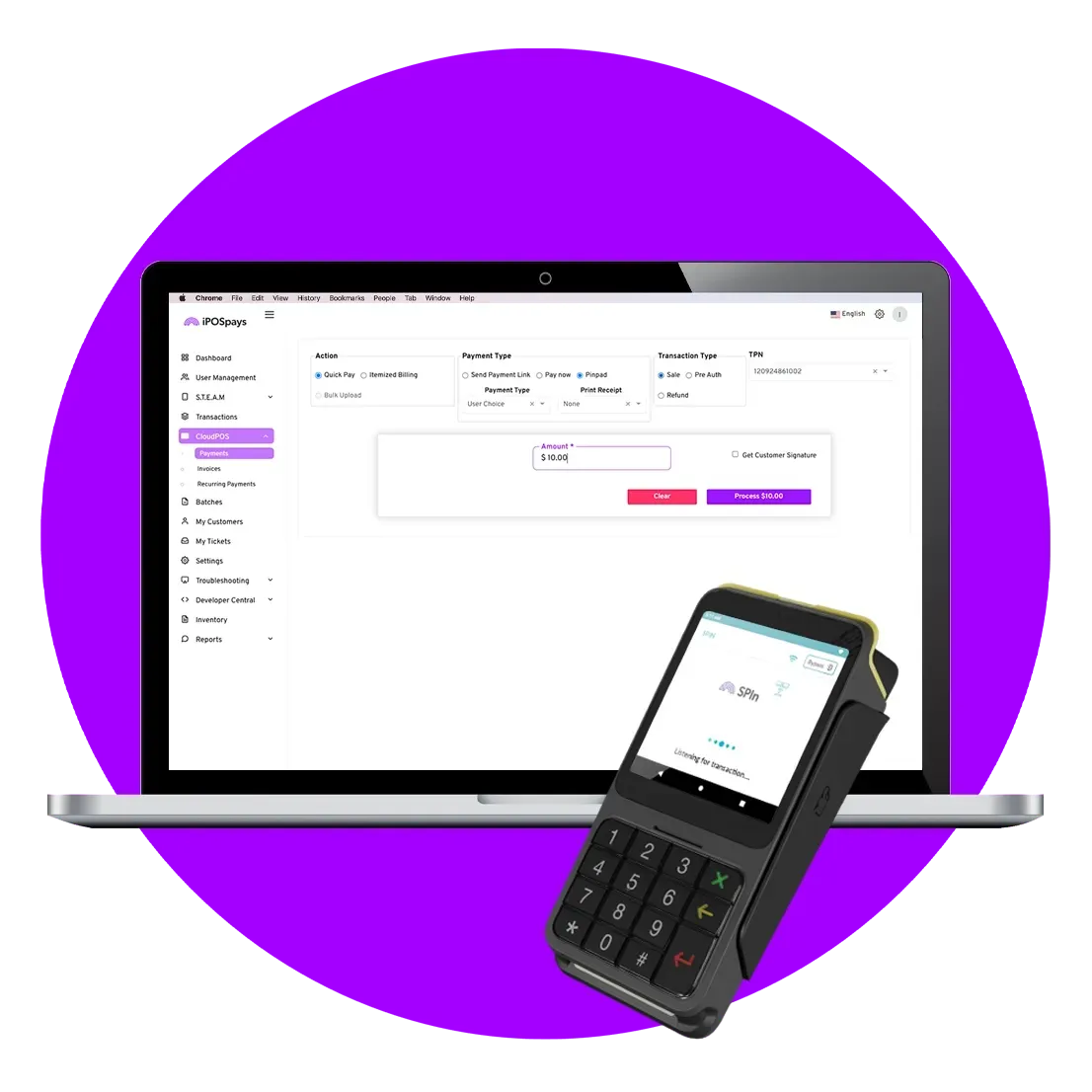
Cloud POS Virtual Terminal
Transform any computer or laptop into a full payment terminal. Process card-not-present transactions online, send secure payment links, and manage recurring billing, all from a browser.
Remote, phone, and online payments
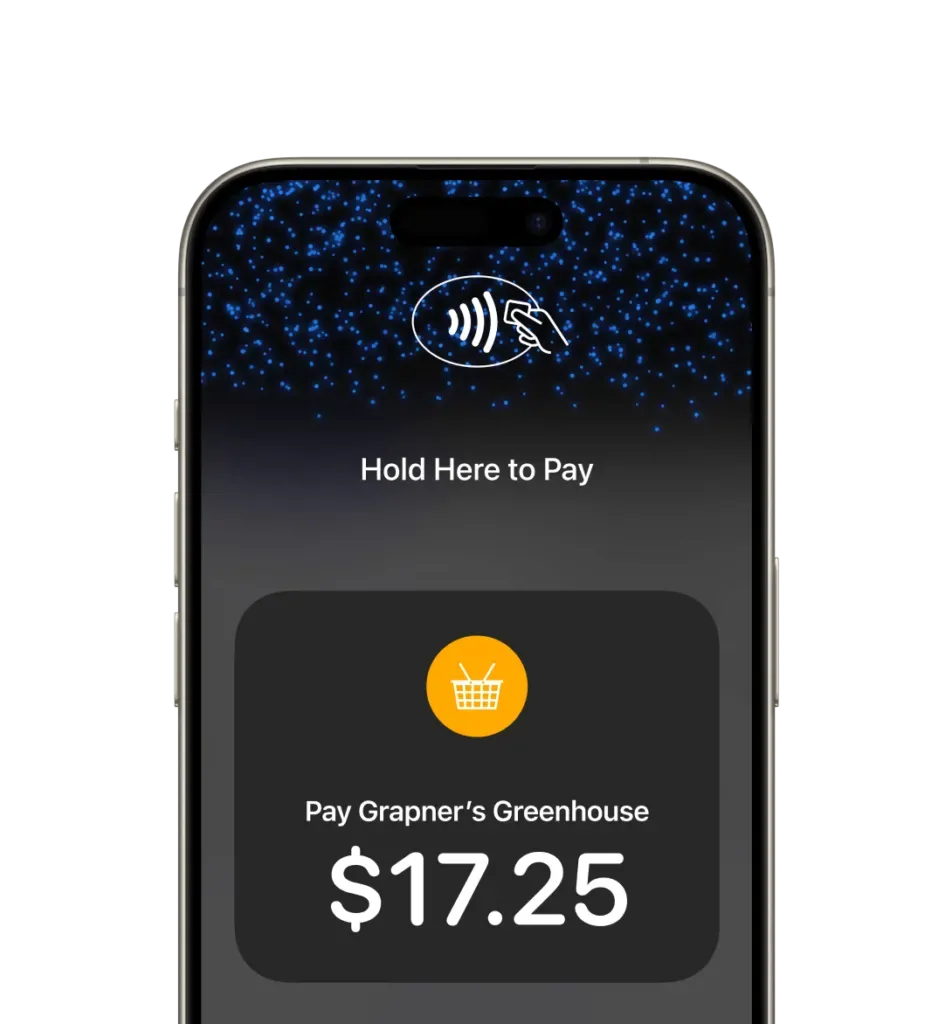
iPOSgo! on iPhone
Accept contactless payments directly on an iPhone with no additional hardware. Supports physical contactless cards, Apple Pay, Google Pay, and other digital wallets via NFC.
Mobile merchants, pop-ups, line busting
iPOSgo! on Android
Turn an Android smartphone into a certified SoftPOS payment device. Accepts EMV contactless transactions in full compliance with card network requirements, no card reader needed.
Android merchants, field sales
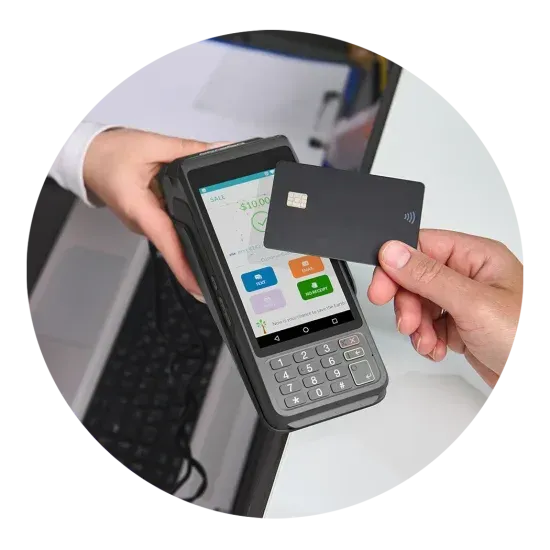
Dejavoo P-Series Terminals
The full Dejavoo P-series (P1, P3, P5, P8, P12, P17, P18) integrates natively with iPOSpays. EMV chip, NFC contactless, and swipe , countertop, wireless, and PIN pad form factors.
In-person countertop and wireless
CAPABILITIES
What iPOSpays Does
Cloud POS Virtual Terminal
Full-featured browser-based terminal for phone orders, MOTO transactions, and remote payment collection without dedicated hardware.
Automated Recurring Billing
Set up bi-weekly, monthly, or quarterly billing cycles. Automate subscription and installment payments with zero manual entry.
Secure Payment Links
Send branded, PCI-compliant payment links via email, SMS, or QR code. Track payment status in real time from the dashboard.
Hosted Payment Page
Customizable, PCI-compliant checkout page for eCommerce and MOTO scenarios. Integrates with Dejavoo terminals for hybrid in-person/online workflows.
Level 2 & 3 Data Enrichment
Automated L2/L3 data submission across all gateway-powered terminals. Reduces interchange costs on B2B and B2G transactions by 0.5–1.5%.
S.A.F.E. Fraud Protection
Proactive automated risk management. Detects and eliminates fraudulent threats in real time with zero-trust security architecture and vault-level tokenization.
Real-Time Reporting
Enterprise-level dashboard with transaction history, settlement reports, and portfolio analytics. Accessible from any browser, any device.
Dejavoo Terminal Integration
Native integration with the full Dejavoo P-series. Process in-person and online payments from a single gateway with unified reporting.
HOW IT WORKS
How Monument Deploys iPOSpays
01
Consultation
Monument reviews your current payment workflow — in-person, remote, online, or a mix. We confirm iPOSpays is the right gateway fit before recommending anything.
02
Merchant Setup
We configure your iPOSpays portal: Cloud POS virtual terminal, payment links, recurring billing schedules, hosted payment page branding, and L2/L3 data settings.
03
Terminal Pairing
If you are using Dejavoo hardware, Monument pairs your terminals to the iPOSpays gateway and tests every payment channel — in-person, virtual, and mobile.
04
Training
Hands-on walkthrough of the Cloud POS dashboard, payment link generation, recurring billing setup, and reporting. Tailored to your team's workflow.
05
Go-Live & Support
Monument is available during your first transactions. Ongoing support covers gateway questions, rate reviews, and any changes to your payment mix.
WHY MONUMENT PAYMENTS
Monument vs. Setting Up iPOSpays Direct
See what you get when you work with Monument instead of self-configuring iPOSpays.
| Feature | Self-Configure | Monument Payments |
|---|---|---|
| Cloud POS virtual terminal included | ✓ | ✓ |
| Secure payment links via email/SMS/QR | ✓ | ✓ |
| Automated recurring billing | x | ✓ |
| L2/L3 data enrichment configured | x | ✓ |
| Dejavoo terminal pairing & testing | x | ✓ |
| iPOSgo Tap to Pay setup (iPhone/Android) | x | ✓ |
| Processing rate review & optimization | x | ✓ |
| Annual processing rate reviews | x | ✓ |
| Ongoing support & rate monitoring | x | ✓ |
Not Sure If iPOSpays Is Right for You?
That is exactly what the consultation is for. Monument evaluates your payment mix before recommending any gateway. If iPOSpays is not the right fit, we will tell you what is.
COMMON QUESTIONS
Common Questions About iPOSpays
Still have questions?
Monument is happy to walk through your specific situation on a call.
What is iPOSpays and how is it different from a POS system?
iPOSpays is an omni-commerce payment gateway built by Dejavoo. Unlike a traditional POS system, it focuses on the payment layer — virtual terminal, payment links, recurring billing, hosted checkout, and gateway-level fraud protection. It pairs with Dejavoo hardware for in-person processing and extends to online and mobile channels through Cloud POS and iPOSgo.
Can iPOSpays replace a traditional payment terminal?
For businesses that primarily process remote or phone orders, yes — the Cloud POS virtual terminal handles card-not-present transactions entirely from a browser. For businesses with significant in-person volume, iPOSpays works best paired with Dejavoo P-series terminals or the iPOSgo Tap to Pay app on iPhone or Android.
What is Level 2 and Level 3 data and why does it matter?
Level 2 and Level 3 data are additional transaction fields (purchase order numbers, tax amounts, line-item detail) that card networks use to qualify B2B and B2G transactions for lower interchange rates. iPOSpays automatically enriches transactions with L2/L3 data across all gateway-powered terminals, reducing interchange costs by 0.5–1.5% on qualifying corporate card transactions.
How does iPOSgo Tap to Pay work?
iPOSgo is a free app available for iPhone and Android. Once installed and linked to your iPOSpays account, your phone becomes a certified contactless payment device. Customers tap a physical card, Apple Pay, Google Pay, or any NFC-enabled wallet directly on the phone. No card reader or additional hardware is required.
Does Monument help configure the hosted payment page?
Yes. Monument configures your iPOSpays Hosted Payment Page as part of the deployment — including branding, payment method settings, and integration with your Dejavoo terminal if applicable. We also set up payment link templates so your team can send invoices and collect payment immediately.
What processors does iPOSpays support?
iPOSpays supports multiple processors including Fiserv, TSYS, and others. Monument evaluates your business type and processing volume to identify the most competitive processor arrangement before configuring the gateway.
Can I use iPOSpays alongside a separate POS system?
Yes. iPOSpays functions as a gateway layer and can complement an existing POS system. Many Monument clients use iPOSpays for remote and online payment collection while using a dedicated POS (Clover, Korona, Union POS) for in-person transactions.
Does Monument charge extra for iPOSpays setup?
Monument's consultation and configuration services are included as part of the overall payment consulting relationship. There is no separate setup fee for iPOSpays deployment. Contact us to discuss your specific situation.