
Virtual Terminal: How It Works, What It Costs, and How to Choose

Admin • September 1, 2026

Share this article

A virtual terminal gives an authorized employee a secure place to enter payment details when a customer and card are not in front of them. It is commonly used for a phone order, deposit, overdue invoice, or repeat customer payment. The tool itself is simple; the operational decisions around it are not.


Keyed payments can have different cost and fraud characteristics from card-present sales. They also create responsibilities for how your team handles card data. The right setup depends on your real workflow: who takes payments, where those payments start, how customers prefer to pay, and which systems need to stay in sync.


General information from Monument Payments. Rates, features, network rules, and compliance duties vary by provider and business; confirm the details for your program with the appropriate parties.


Quick Answers


What is a virtual terminal?


A browser or app-based tool that an employee uses to enter a customer’s payment details.


Is it the same as a payment gateway?


No. The terminal is the user-facing entry tool; the gateway routes payment information behind it.


Are keyed payments priced differently?


They can be. Request a separate quote for card-not-present transactions rather than relying on an in-person rate.


Can customers enter the details themselves?


Yes. Payment links and hosted payment pages can be a better fit for many invoice and balance payments.


Decide Before You Compare Providers


  1. Identify where remote payments enter your workflow: phone orders, deposits, open invoices, or repeat billing.
  2. Decide when staff need to key a payment and when customers can use a secure payment link instead.
  3. Confirm whether the terminal needs to connect with the POS, accounting, scheduling, or business-management system already in use.
  4. Compare keyed-channel fees, user permissions, stored-card handling, and support on the same written basis.


What a Virtual Terminal Does


When a customer calls to make a payment, a trained employee opens the secure payment interface, enters the relevant details as the customer provides them, and receives an approval or decline response. The payment is then handled through the provider’s processing system for authorization, settlement, and funding under the terms of that program.


A virtual terminal is not a payment gateway. The terminal is the employee-facing screen; the gateway is the connection layer behind it. A provider may offer both together, but separating the concepts makes proposals and integrations easier to compare.


Compare It With the Other Ways You Take Payment


Most businesses do not need one payment method for every situation. The practical question is where each method fits, and whether the provider can support those paths without creating extra reconciliation work.

On a narrow screen, scroll sideways to compare all columns.


Payment method Who enters payment details Typical workflow
Countertop terminal Customer; card is present Retail counters and face-to-face sales
Mobile card reader Customer; card is present Field work, delivery, markets, and events
Virtual terminal Authorized employee Phone orders, deposits, and outstanding balances
Payment link or hosted page Customer Invoices, texts, emails, and self-service balance payments
Recurring billing No manual entry at payment time Memberships, retainers, and scheduled service plans using stored tokens
ACH or eCheck Depends on the workflow Bank-to-bank collection where the business and customer agree on the payment method

For a business that collects most payments face-to-face, a card reader is generally the primary tool. A virtual terminal may still help with deposits, balances, or the occasional remote customer. When customers are willing to pay on their own, a hosted payment page or payment link can reduce the amount of card data your staff hears or handles directly.


Decide Whether It Fits Your Workflow


A virtual terminal may be useful when your team takes orders by phone, collects deposits before scheduling work, bills after a job, manages repeat accounts, or follows up on open invoices. The deciding factor is not the industry name. It is whether the work consistently creates a remote-payment moment that needs a controlled process.


For example, an auto-repair front desk may take a deposit while ordering parts and later collect an approved balance. A field-service business may take a pre-dispatch deposit. A professional office may call a customer about an outstanding invoice. Each workflow is different, but all call for a clear rule about who can take the payment, how the information is entered, and where the receipt is sent.


Understand Cost by Payment Channel


Do not assume that a card-present price applies to a keyed transaction. Ask for the rate and all applicable fees for the card-not-present channel specifically. The exact pricing model can differ as well: a flat rate is straightforward to read, while an interchange-plus program identifies network costs and a stated provider markup. Neither label, by itself, tells you what your own mix will cost.


Review the effective rate for keyed activity separately from your overall payment average. To do that, divide the fees assigned to the keyed channel by the card sales processed through that channel. Keep that figure next to the in-person result. If phone orders, deposits, or invoice payments become a larger share of sales, a blended statement total can conceal the change.


Ask how the provider handles billing-address checks, card security-code responses, dispute fees, refunds, voids, and stored-card transactions. These are not minor configuration details. They affect how staff work and how a payment program behaves when a transaction is declined or disputed.


Keep Keyed Payments Out of Side Channels


The safest habit is also the simplest: enter payment details directly into the approved terminal. Do not write card numbers on paper, keep them in a spreadsheet, or send them in email or text messages. If calls are recorded, make sure the business has an approved procedure for handling payment details before the customer reads them aloud.


The PCI Security Standards Council develops and maintains PCI DSS resources for organizations that store, process, or transmit cardholder data. A provider’s validation or product listing does not automatically remove a merchant’s responsibilities. Confirm the validation, access-control, training, and documentation requirements that apply to your business with the provider and acquirer.


For repeat customers, tokenized storage may reduce the need to re-enter payment data. Restrict refund and stored-payment settings to the appropriate roles, use individual logins, and review access when responsibilities change. For unusual orders, follow the business’s approved verification process before fulfillment.


Questions That Make Provider Comparisons Clearer


Ask each provider the same questions, in writing, so the answers are comparable:

  1. What are the keyed, card-not-present rates and all recurring or per-use fees?
  2. Which entry methods are included, and how do they connect with our existing software?
  3. How are user permissions, refunds, reporting, and PCI DSS support handled?
  4. What happens to stored customer-payment tokens if the business changes providers?


That last question is worth slowing down for. Token portability is not universal. If tokens cannot move, a later provider change may require customers to provide their payment details again. Get the answer early rather than discovering it after the account is live.


Build the Process Before You Turn It On

Implementation usually begins with an application and verification process. Timing, approval, and any underwriting requirements vary by business and provider, so do not set a customer-facing launch date until the account path is confirmed.


Once access is available, configure user permissions, receipts, and refund controls; test the permitted workflow; and reconcile early activity carefully. Training should cover the approved phone-payment process, how a decline is handled, when a payment is voided or refunded, and which customer data cannot be recorded outside the approved terminal.


Businesses that also offer bank-based payments should evaluate them as a separate workflow. The Nacha network develops the rules that enable ACH payments, and its resources can help frame the difference between card and ACH processes. The best option depends on the customer experience, payment timing, cost structure, and the business’s operating needs.


Review the Channel After Launch


Look at the keyed-payment channel regularly rather than only reviewing the merchant statement total. Track transaction volume, effective rate, declines, disputes, refund activity, and funding consistency. Repeat the user-access review on a schedule. A short review can catch a growing cost, a training gap, or an unnecessary permission before it becomes a larger problem.


A virtual terminal is most useful when it gives staff a controlled option for the payments that do not fit a card reader. The right choice is the one that fits the ways customers actually pay, minimizes manual work, keeps sensitive data out of side channels, and gives the business clear reporting after the sale.


Recent Posts

Two desktop computers on a wooden desk in a bright office workspace
By Admin November 3, 2025
Why We Built a New Website Designed Around Our Clients When we set out to rebuild our website, we started with one goal: make it easier for business owners to find the information they actually need. Over the years, we’ve heard feedback from clients across Western Colorado , Eastern Utah , and Northern New Mexico — they wanted faster access to pricing, clearer information about payment options, and a simpler way to get local support. Our new site delivers al l of that. It’s faster, easier to navigate, and built to work seamlessly on any device — whether you’re behind the counter or on the go. Streamlined Navigation We’ve organized our services into intuitive sections like Pricing , POS Systems , and Payment Programs so you can quickly find the solutions that fit your business. The homepage also highlights what sets Monument apart — transparency, local expertise, and flexible options for every type of business. What’s New on the Site Clear, Transparent Pricing One of the biggest updates you’ll notice is our transparent pricing page . It breaks down each of our programs — Dual Pricing , Surcharging , and Traditional Processing — in plain language. No fine print. No hidden markups. For example, many local shops in Montrose have already switched to our Dual Pricing model, saving up to 100% of their credit card fees while staying fully compliant with c ard network rules. The new site explains exactly how those savings work so you can decide what’s best for your business. Detailed Service Pages Each of our major solutions now has its own page — whether it’s Clover POS , Exatouch , ProCharge , or mobile payment processing. These pages walk you through the features, use cases, and benefits of each option, so you can easily compare and find what fits your operation. One of our retail partners in Grand Junction recently said that the new POS comparison section helped them finally understand which system would handle their inventory and online orders best. That’s the kind of clarity we aim to provide every day. Educational Resources and Blog We know that payment processing can feel overwhelming — so we’ve built a resource center to make it simpler. Our new blog and guides explain key topics like how surcharging works, the difference between merchant accounts and gateways, and how to protect your business from fraud. Our goal is to give you more than just processing — we want to empower you with knowledge that helps your business grow. What Th is Means for Local Businesses Easier Access to Local Support We’ve always taken pride in being local — serving communities throughout Western Colorado , Eastern Utah , and Northern New Mexico . The new website makes connecting with us easier than ever. Whether you need to schedule a consultation, request a quote, or troubleshoot a terminal, you can reach us directly through simple contact forms or by calling our Grand Junction office. As one of our restaurant clients in Durango put it, “It’s refreshing to work with a payment company that actually picks up the phone.” That’s the standard we’ve built this new website around. Trust and Transparency at Every Click The payment industry can be filled with confusing rates and long-term contracts — but Monument Payments has always done things differently. Our new site mirrors that philosophy by being upfront, easy to navigate, and completely transparent. Our Commitment to Innovation Our website isn’t just a redesign — it’s a foundation for the future. We’ve added new features to highlight emerging payment technology like contactless terminals , EMV chip readers , and integrated eCommerce solutions . Soon, we’ll roll out interactive tools that help businesses compare systems and calculate savings instantly. But even with all this innovation , one thing won’t change: our commitment to real, personal service. Whether online or in person, Monument Payments will always be here to make sure your payment solutions work the way your business does. Explore the New Site Today We invite you to explore the new Monument Payments website and see how much easier we’ve made it to understand and manage your payment processing needs. If you’re ready to simplify your payments, reduce costs, and work with a local team that puts honesty first, visit us online or call (970) 239-1307 to schedule a free consultation. Monument Payments — Payment Processing that works the way you do.
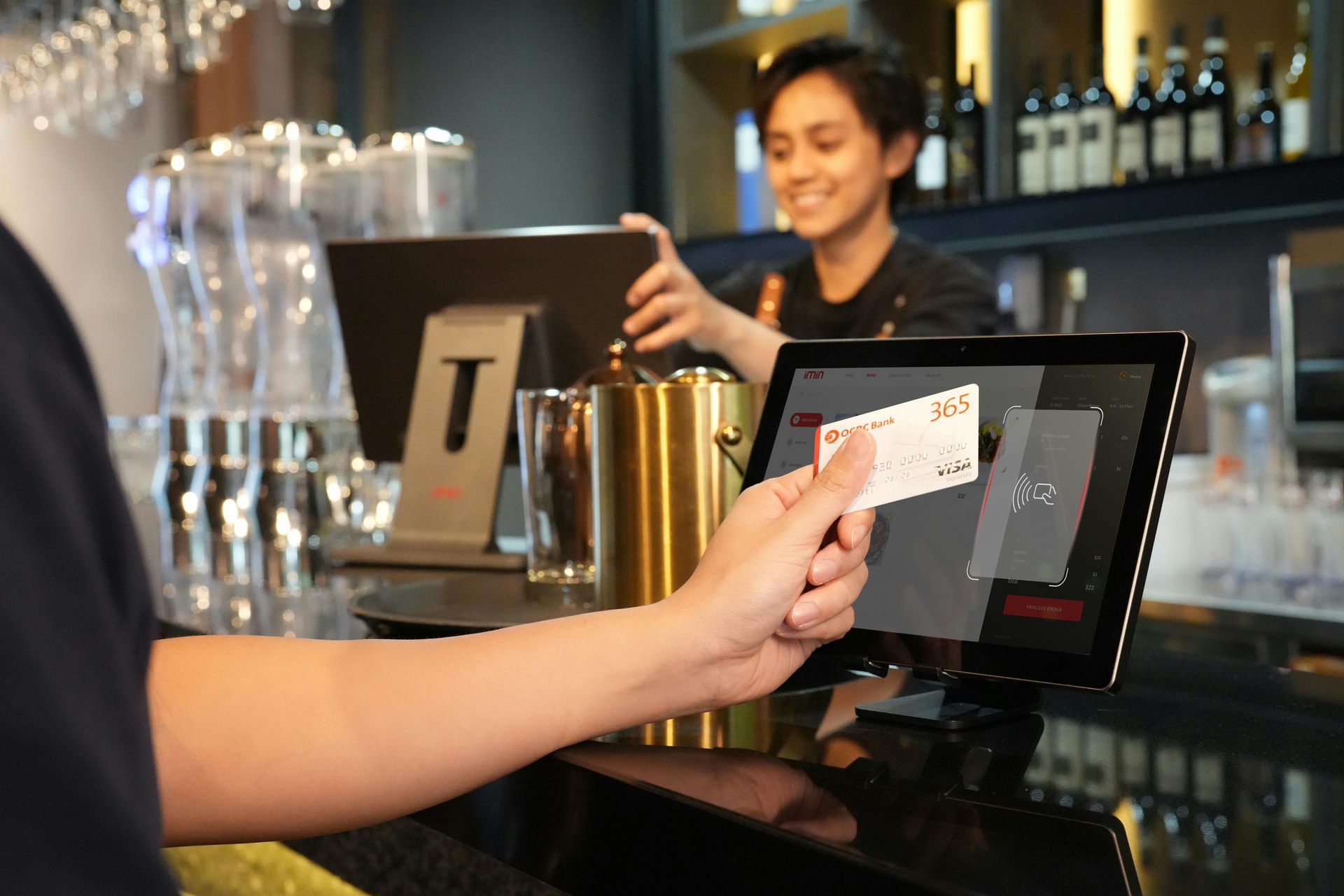
Customer pays at a café counter with a card while a barista smiles behind the register.
By Admin November 3, 2025
What We Recommend for Your Business
Hand holding a card to a contactless reader near a black sign reading “CONTACTLESS DIAL 3-1-1”
By Admin November 3, 2025
Not Really Sure what Payment Processing is? Don't worry we are here to help!