SYSTEMS

TableTurn® POS | The Right Restaurant POS for Your Operation

TableTurn is the restaurant-first POS platform Monument deploys for full-service dining, pizza, QSR, breweries, and cafes. Monument evaluates your service model, configures the system for your specific workflow, and deploys it correctly from day one.

TableTurn logo with green circle and white “TT” beside gray and black text
Hand holding a badge with a checkmark icon

ETA Certified   Payment Professional

Black location pin icon with a circular center and shadow below

Serving   Businesses Since 2014

Black city skyline with three buildings, including a tall central tower and a pointed roof

500+   Merchants Served

Black outlined shield icon with a lightning bolt inside

PCI DSS  Compliant

MONUMENT'S APPROACH

TableTurn Builds the Platform. Monument Builds the Strategy Around It.

Most restaurant POS platforms are adapted from retail systems. TableTurn was built from the ground up for restaurants, which means the workflows, modifier structures, floor plan tools, and kitchen communication are designed around how a restaurant actually operates, not retrofitted from a general-purpose commerce platform.


But the platform alone does not determine the outcome. A restaurant that deploys TableTurn without a properly configured menu, a floor plan that matches the actual dining room, and staff who understand the system will not realize its potential. Monument's role is to close that gap.


Before recommending TableTurn, Monument evaluates the restaurant's service model, menu complexity, transaction volume, staffing structure, and payment program needs. When those inputs point to TableTurn, Monument configures it, installs it, trains the team, and stays available after launch. When they point to a different platform, Monument recommends that instead.

Black thumbs-up icon with a white cuff on a white background

TableTurn Is a Strong Fit For

  • Full-service restaurants looking to replace Toast, SpotOn, or SkyTab at a lower total cost
  • Pizza and Italian restaurants that need a visual pizza builder and complex modifier management
  • Quick-service and fast-casual restaurants that need speed, online ordering, and kitchen display integration
  • Breweries, bars, and cafes that want tab management, handheld devices, and a clean interface
  • Restaurants that want to implement dual pricing, cash discounting, or surcharging
  • Multi-location restaurant groups that need consistent software across all sites
Black X inside a circle, resembling a close or delete icon.
  • High-volume nightclubs and music venues where Union POS's speed and bar-specific tools are a better fit
  • Small retail or service businesses where Clover or Square is a simpler and more cost-effective option
  • Restaurants with highly specialized integrations that require a platform with a larger third-party app marketplace

Fine Dining

Pizza & Italian

The visual pizza builder handles whole, half, and quarter topping configurations with automatic size-based pricing. Monument configures complex modifier trees and combo meal workflows during setup so staff can build any order accurately under pressure.

Pizza & Italian

The visual pizza builder handles whole, half, and quarter topping configurations with automatic size-based pricing. Monument configures complex modifier trees and combo meal workflows during setup so staff can build any order accurately under pressure.

TableTurn's coursing and firing controls, seat-level item entry, guest preference tracking, and custom floor plan builder make it the platform Monument most often recommends for full-service fine dining. The built-in reservations module eliminates the need for a separate reservation system.

The visual pizza builder handles whole, half, and quarter topping configurations with automatic size-based pricing. Monument configures complex modifier trees and combo meal workflows during setup so staff can build any order accurately under pressure.

Pizza & Italian

The visual pizza builder handles whole, half, and quarter topping configurations with automatic size-based pricing. Monument configures complex modifier trees and combo meal workflows during setup so staff can build any order accurately under pressure.

Fine Dining

Pizza & Italian
Industry Fit

Where Monument Deploys TableTurn

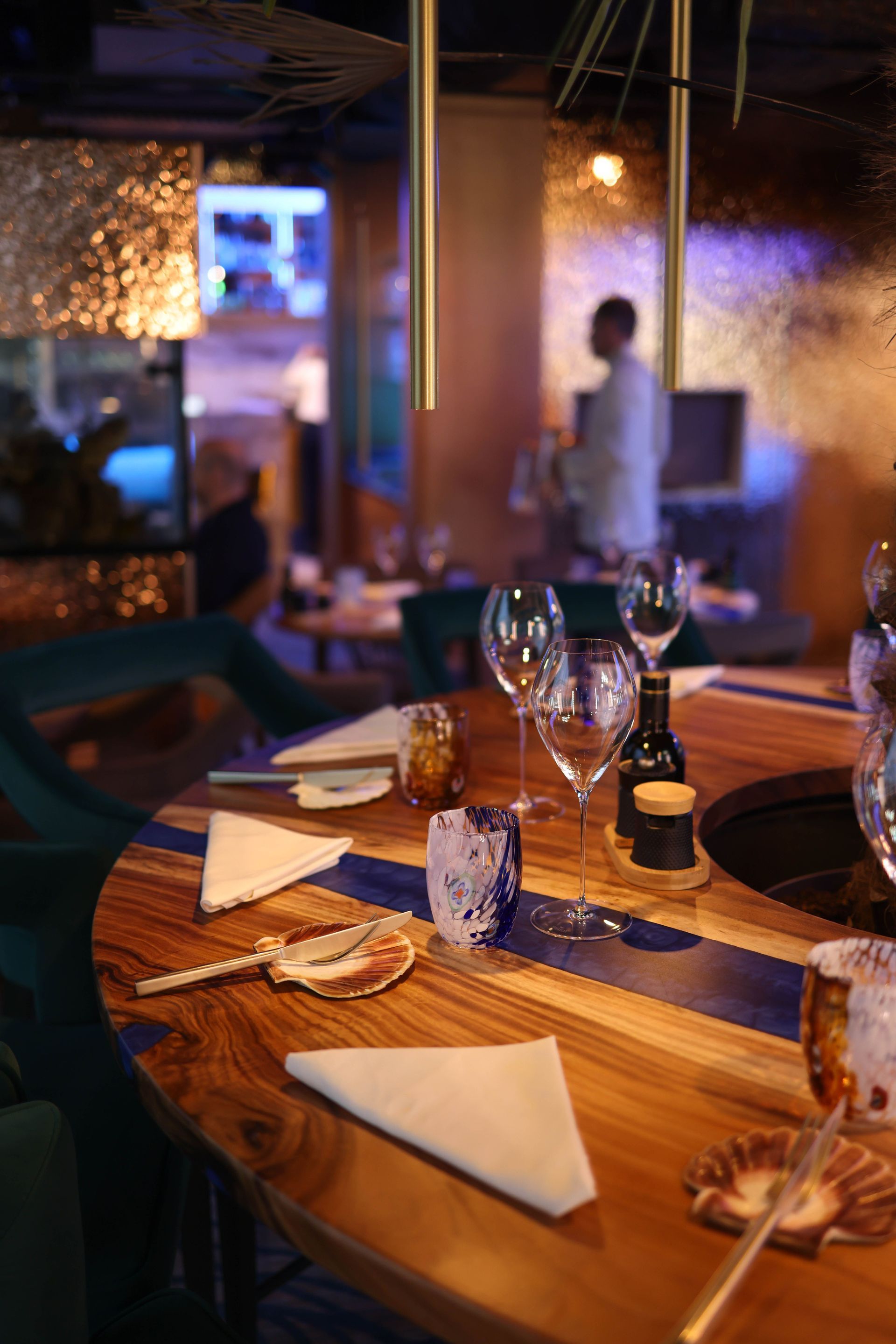
TableTurn is built for restaurants, not adapted from retail. Monument deploys it across the full range of food and beverage operations.

Tablet displaying a purple app interface on a counter in a busy café.

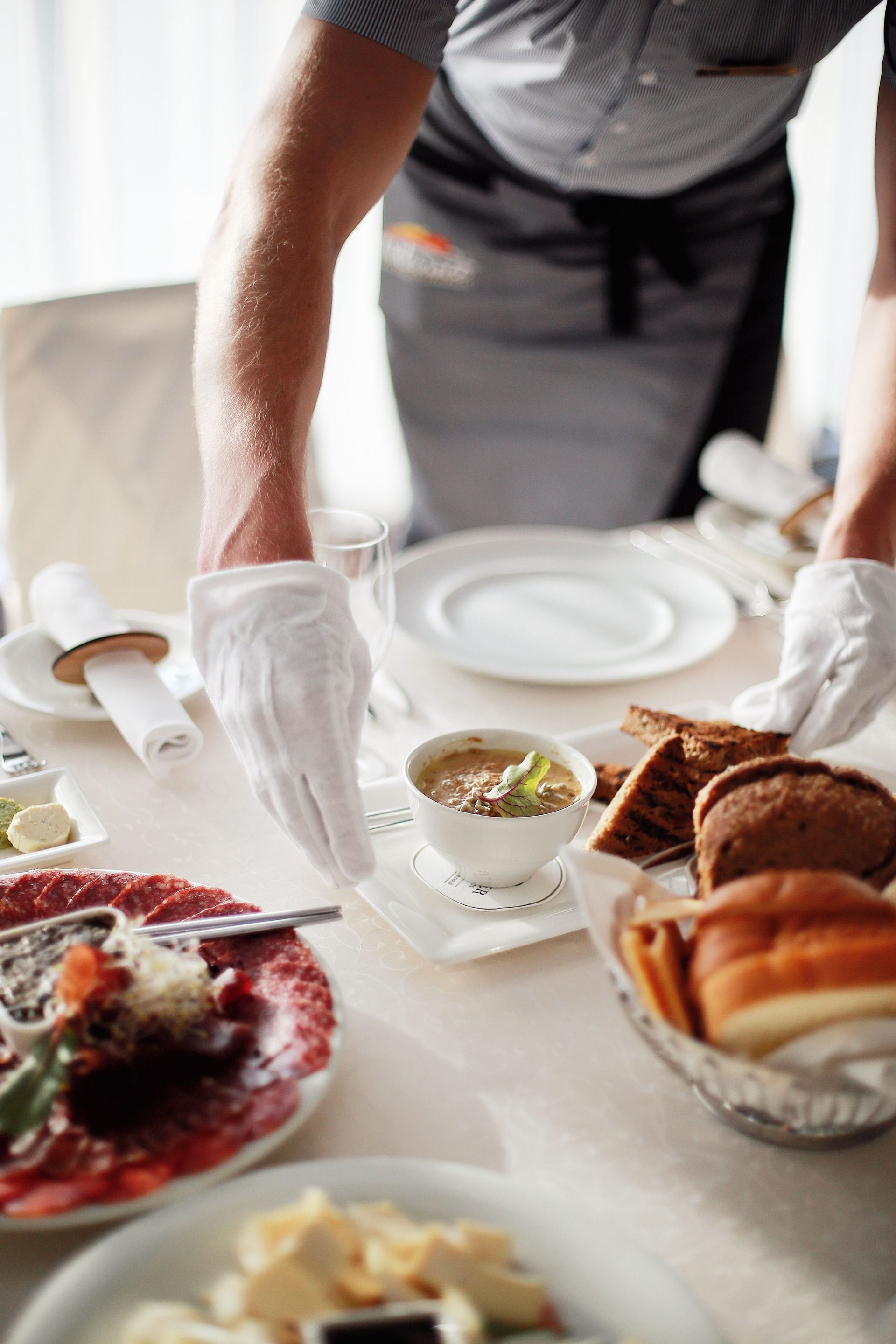
Fine Dining

TableTurn's coursing and firing controls, seat-level item entry, guest preference tracking, and custom floor plan builder make it the platform Monument most often recommends for full-service fine dining. The built-in reservations module eliminates the need for a separate reservation system.

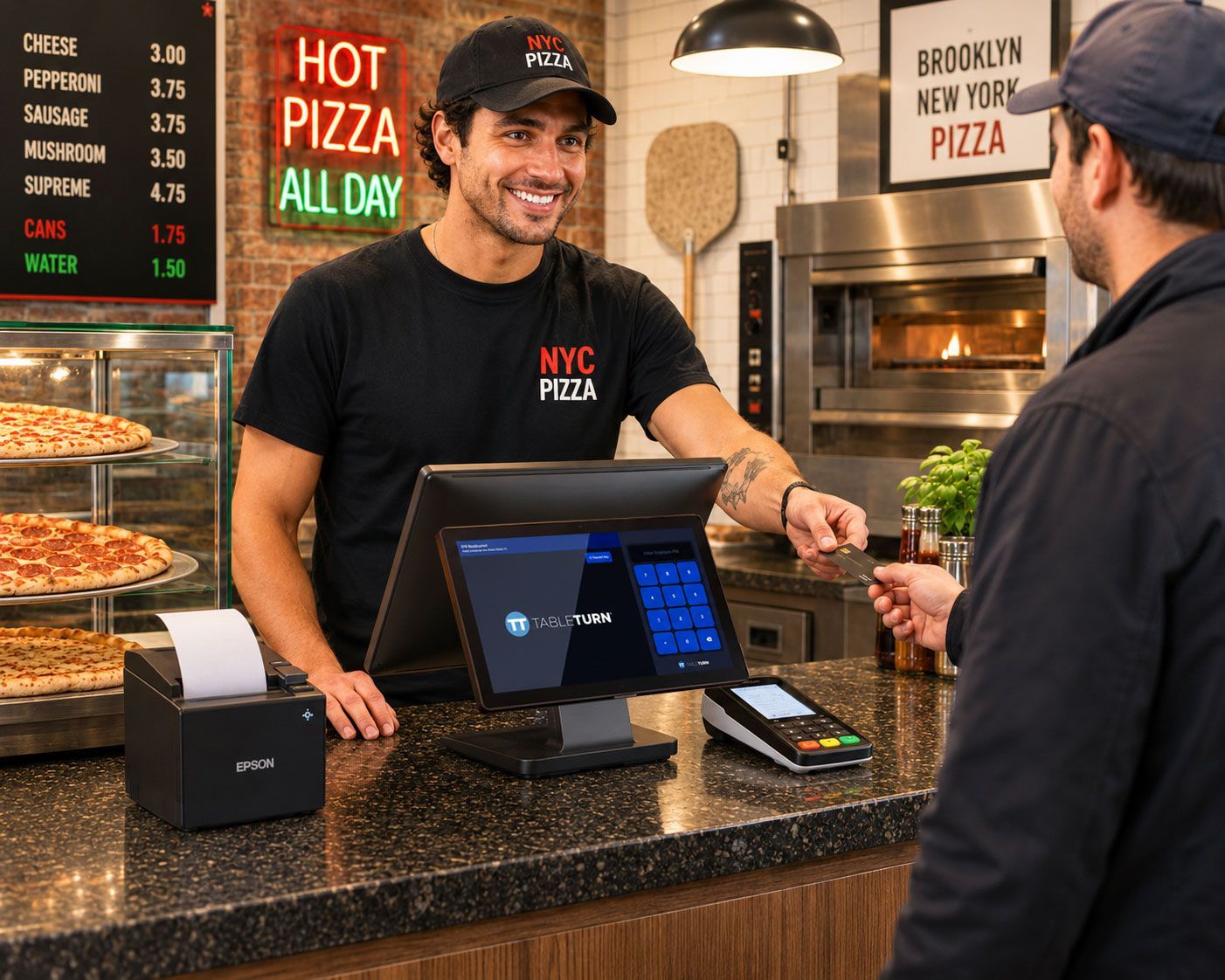
Pizza shop cashier handing a customer a pizza box at the counter.

Pizza & Italian

The visual pizza builder handles whole, half, and quarter topping configurations with automatic size-based pricing. Monument configures complex modifier trees and combo meal workflows during setup so staff can build any order accurately under pressure.


Purple restaurant touchscreen POS menu with food item tiles on a counter

Quick Service

TableTurn's fast order entry, and online ordering module support the speed and volume that QSR operations require. Monument configures the layout for counter service workflows with minimal taps per transaction.


Hotel concierge at a front desk using a touchscreen monitor in a warmly lit dining room.

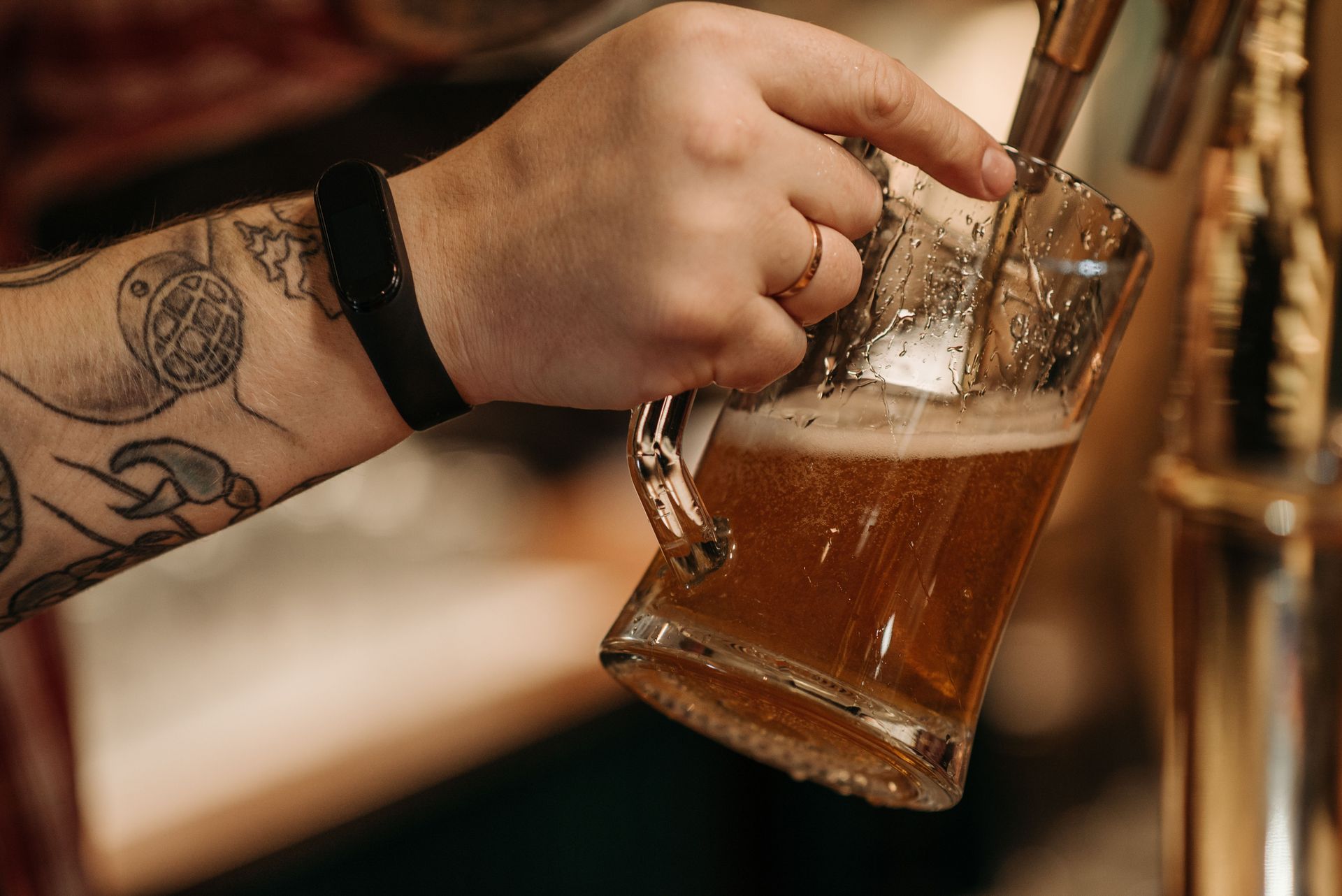
Breweries & Bars

Tab management, table transfers, and handheld device support make TableTurn a strong fit for bar and brewery environments. Monument deploys handheld devices for tableside ordering and payment, reducing the number of trips staff make to the counter.

Server handing a menu to seated diners at an outdoor café table

Cafes & Coffee

TableTurn's clean interface and fast checkout workflow are well suited to high-volume cafe environments. Monument configures the menu structure, modifier prompts, and loyalty tools to match the cafe's specific service model.


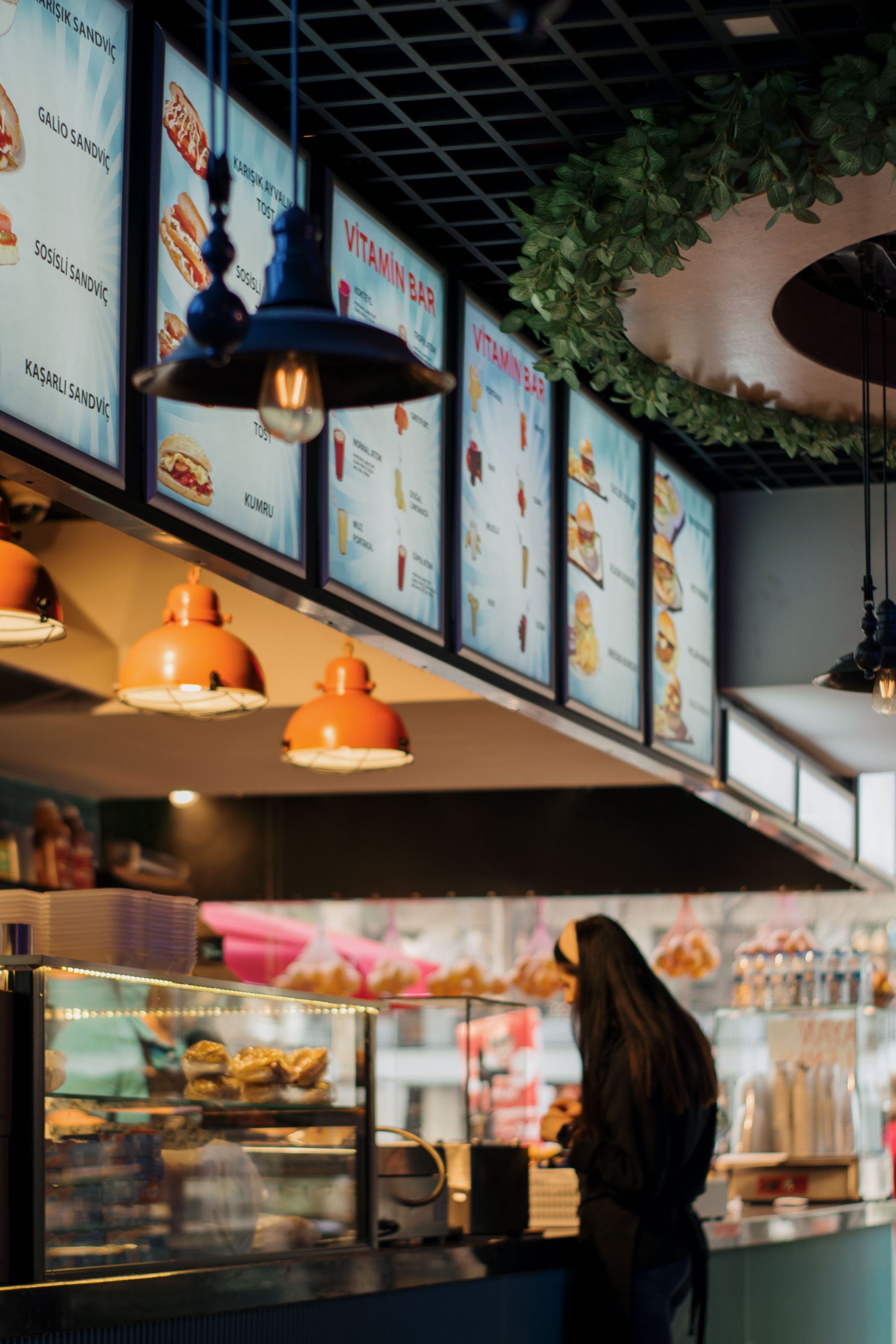
Fast-casual restaurant counter with a tablet point-of-sale terminal and wall menu boards behind it

Hospitality Venues

Multi-zone floor plans, reservation management, and multi-location support make TableTurn a scalable choice for larger hospitality operations. Monument evaluates whether a single system or a combination of platforms best serves the venue's layout and service style.

Platform Capabilities Fit

What TableTurn Brings to the Table

One platform built to power the entire restaurant. Monument configures each capability for your specific operation.

Simple black credit card icon on white background

Integrated Payments

One provider, one platform. Built-in payments with unified deposits, same-day funding in as few as 5 hours after cutoff, and offline mode for uninterrupted operation.

Black icon of two people seated at a table with a gear above them, suggesting a meeting or collaboration.

Table & Floor Management

Custom floor plan builder, multi-zone table mapping, color-coded table status, and the ability to combine, transfer, or move tables and orders.


Black icon of a smartphone and takeaway drink cup on white background

Online Ordering

Built-in online ordering included. Orders flow directly into the same system as in-person transactions with no third-party integration required.


Black calendar icon with a white page overlay and date grid

Reservations & Waitlist

Built-in reservations management included. Make, find, and manage reservations from the same interface used for table management and order entry.

Black 3D box with a gear icon, suggesting settings or configuration

Inventory & 86 Management

Track inventory by item and modifier. 86 items in real time so the menu reflects what is actually available in the kitchen.


Black document icon with a clock symbol, suggesting a timed or recent file

Real-Time Reporting

Sales by item, category, time period, and employee. Revenue trends, refund tracking, and labor data accessible from any device.


Black code-and-connection icon with a browser window and branching circuit lines

Advanced Modifiers

Nested modifiers, required choice prompts, visual pizza builder, combo meal workflows, and easy post-send edits for complex orders.


Black-and-white icon of a smartphone or feature phone screen layout with buttons

Handheld Devices

Tableside ordering and payments on handheld devices. Reduces counter trips, speeds up service, and supports pay-at-the-table for full-service environments.

Black clock with a circular arrow, resembling a refresh or history icon.

Same-Day Funding

Deposits in as few as 5 hours after cutoff. Monument evaluates whether same-day funding or a fee recovery program produces the better financial outcome for each restaurant.

DEPLOYEMENT

How Monument Deploys TableTurn

01 Restaurant Assessment

Monument starts with your restaurant's operation, not with TableTurn. We evaluate your service model, menu complexity, floor plan, transaction volume, staff size, and payment program needs. If TableTurn is the right fit, we proceed. If a different platform would serve you better, we say so.

02 System Configuration

Monument builds your menu structure, modifier trees, floor plan, employee profiles, and payment program settings before the hardware arrives. For pizza operations, the visual pizza builder is configured with your specific sizes, toppings, and pricing rules. The system is ready to use on day one.


03 Hardware Installation

Monument sources the correct bundle for your environment, installs the hardware, connects the kitchen display or receipt printers, and verifies that every component is communicating correctly before staff training begins.

04 Staff Training

Monument trains your team on order entry, table management, modifier handling, payment processing, end-of-day reporting, and manager functions. Training is tailored to your service model and staff experience level, not a generic walkthrough.

05 Go-Live & Ongoing Support

Monument is available during your first service on TableTurn. After deployment, Monument continues with troubleshooting, menu updates, configuration changes, rate reviews, and periodic optimization. You are not calling a support line. You are calling Monument.

PRICING

What to Expect on Cost

Pricing for a retail POS depends on the system, hardware configuration, and processing setup. Here is how it typically breaks down.

Black microchip icon with a gear, suggesting settings or hardware configuration

Hardware

TableTurn runs on restaurant-grade Posiflex hardware. Monument sources the correct bundle for your environment and installs it as part of the deployment. Pricing is provided during the consultation based on your specific configuration.

Black code window icon with </> symbol on a white background

Software

TableTurn's software pricing is transparent with no hidden add-on fees. Online ordering and reservations are included. Monument recommends the plan level that matches your actual operation.


Black flower-shaped icon with a white circular arrow in the center

Processing

TableTurn natively supports dual pricing, cash discounting, and surcharging. Monument evaluates which payment program produces the best financial outcome for each restaurant and configures it correctly from the start.

Black silhouette of a person with a star award ribbon badge and ribbon tails

Total Cost of Ownership

TableTurn's lower total cost of ownership compared to Toast, SpotOn, and SkyTab is a primary reason Monument recommends it for restaurants where those platforms are the incumbent. Monument quantifies the comparison during the consultation.

Speech bubbles with a question mark icon, black outline on a white background

Not Sure If TableTurn Is Right for Your Restaurant?

That is exactly what the consultation is for. Monument evaluates your business before recommending any system. If Square is not the right fit, we will tell you what is.

COMMON QUESTIONS

Common Questions About TableTurn

Questions about how Monument works, how TableTurn might work with your business, and what to expect from the process.

Still have questions?

Monument is happy to walk through your specific situation on a call.

  • Why work with Monument instead of going directly to TableTurn?

    When you contact TableTurn directly, you receive software access and hardware options. When you work with Monument, you receive a local consultant who evaluates your restaurant's workflow before any hardware is selected, configures the system for your specific service model, trains your team, and remains available after launch. Monument reviews your menu structure, floor plan, service style, and payment program needs as part of the same engagement. That is not something a direct vendor relationship provides.

  • How does TableTurn compare to Toast, SpotOn, or SkyTab?

    Monument evaluates all four platforms as part of its restaurant POS assessment. TableTurn's primary advantages are a lower total cost of ownership, transparent pricing without hidden add-on fees, native support for fee recovery programs such as dual pricing and surcharging, same-day funding, and an interface that restaurant staff consistently find easier to train on. Monument recommends the system that fits the specific restaurant, not the one with the largest marketing budget.

  • Does TableTurn support fee recovery programs like dual pricing or surcharging?

    Yes. TableTurn natively supports dual pricing, cash discounting, and surcharging. This is a meaningful differentiator from several competing platforms that either do not support these programs or require third-party workarounds. Monument configures the correct program for each restaurant based on its customer mix, average ticket, and state regulations.

  • What hardware does TableTurn run on?

    TableTurn runs on Posiflex countertop terminals paired with an ASUS mini PC, Epson TM-m30 receipt printers, and PAX A35 payment terminals. A customer-facing display bundle is also available for operations that want a dual-screen checkout experience. Monument sources, configures, and installs the complete bundle.

  • Does TableTurn work offline?

    Yes. TableTurn includes an offline mode that keeps transactions running during internet outages. Payments are processed and reconciled automatically when connectivity is restored, so a temporary network issue does not interrupt service.

  • How long does a TableTurn deployment take?

    A standard single-station deployment typically takes approximately one week from account setup through go-live. Multi-station or multi-location deployments with custom floor plans, complex modifier structures, and full menu builds generally take two to three weeks. Monument manages the full process.

  • Can TableTurn handle complex menus with modifiers and pizza builders?

    Yes. TableTurn includes advanced modifier management with nested modifiers, required choice prompts, and a visual pizza builder that handles whole, half, and quarter topping configurations with automatic size-based pricing. Monument builds the menu structure during the configuration phase so the system is ready to use on day one.

  • What if TableTurn is not the right fit for my restaurant?

    Monument will tell you. The consultation begins with your restaurant's operation, not with any specific platform. If Clover, Union POS, or another system is a better match for your service model, Monument recommends it. The goal is the right fit, not a specific hardware sale.

Ready to Find Out If TableTurn Is the Right Fit?

Monument evaluates your restaurant's operation, compares TableTurn against the full portfolio, and recommends the path forward. If TableTurn is the right platform, Monument deploys it correctly. If something else fits better, Monument tells you that too.