SYSTEMS
Dejavoo® Terminals, Configured and Deployed by Monument
Dejavoo's Android P-series terminals deliver fast, flexible, and secure payment acceptance for businesses across industries. Monument configures, deploys, and supports Dejavoo terminals — and helps you select the right model for your operation.

ETA Certified Payment Professional
Serving Businesses Since 2014
500+ Merchants Served
PCI DSS Compliant
Why Dejavoo
Why Monument Deploys Dejavoo
Dejavoo's P-series terminals are built on Android, which means they are fast, intuitive, and capable of running the iPOSpays gateway alongside Monument's fee programs — including dual pricing and surcharging — without additional hardware or middleware.
The P-series covers every deployment scenario: fixed countertop, wireless tableside, compact mPOS, customer-facing PIN pad, and flip-screen multi-lane. That range means Monument can recommend the right terminal for your specific operation rather than forcing a one-size-fits-all solution.
Monument deploys Dejavoo for businesses that need reliable, standalone payment acceptance — or for businesses that want to add a terminal to an existing setup without replacing their entire POS system.
Dejavoo™ Is a Strong Fit For:
- Businesses that want a reliable, Android-based terminal without a full POS system
- Merchants implementing dual pricing or surcharging programs
- Restaurants and mobile businesses needing wireless payment acceptance
- Businesses needing a customer-facing PIN pad alongside an existing system
- Multi-location operations needing consistent, remotely manageable hardware
May Not Be Ideal For:
- Businesses needing a full POS with inventory management (Clover or Korona are better fits)
- High-volume bars needing hospitality-specific tab management (Union POS is purpose-built)
- Businesses needing a robust app ecosystem or marketplace integrations
Hardware
Dejavoo P-Series Terminal Lineup
Monument helps you select the right terminal for your environment — not the most expensive one.
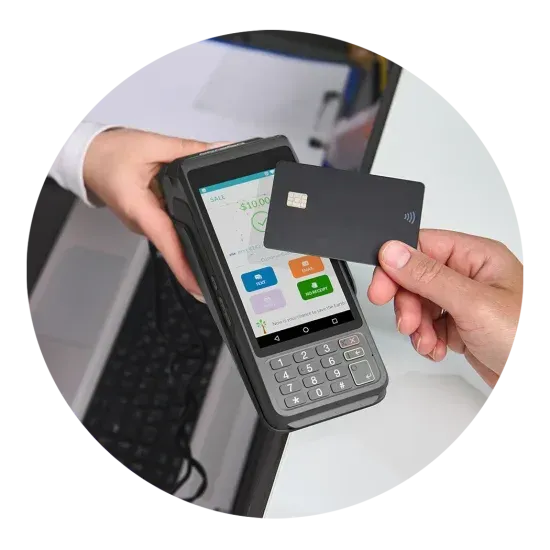
P1 – Android Countertop
Dependable Android countertop terminal built for fast, high-volume transactions. Features a large 5" HD touchscreen, physical keyboard, and built-in receipt printer. Ideal for retail counters and service desks where speed and reliability are non-negotiable.
High-volume retail, service counters
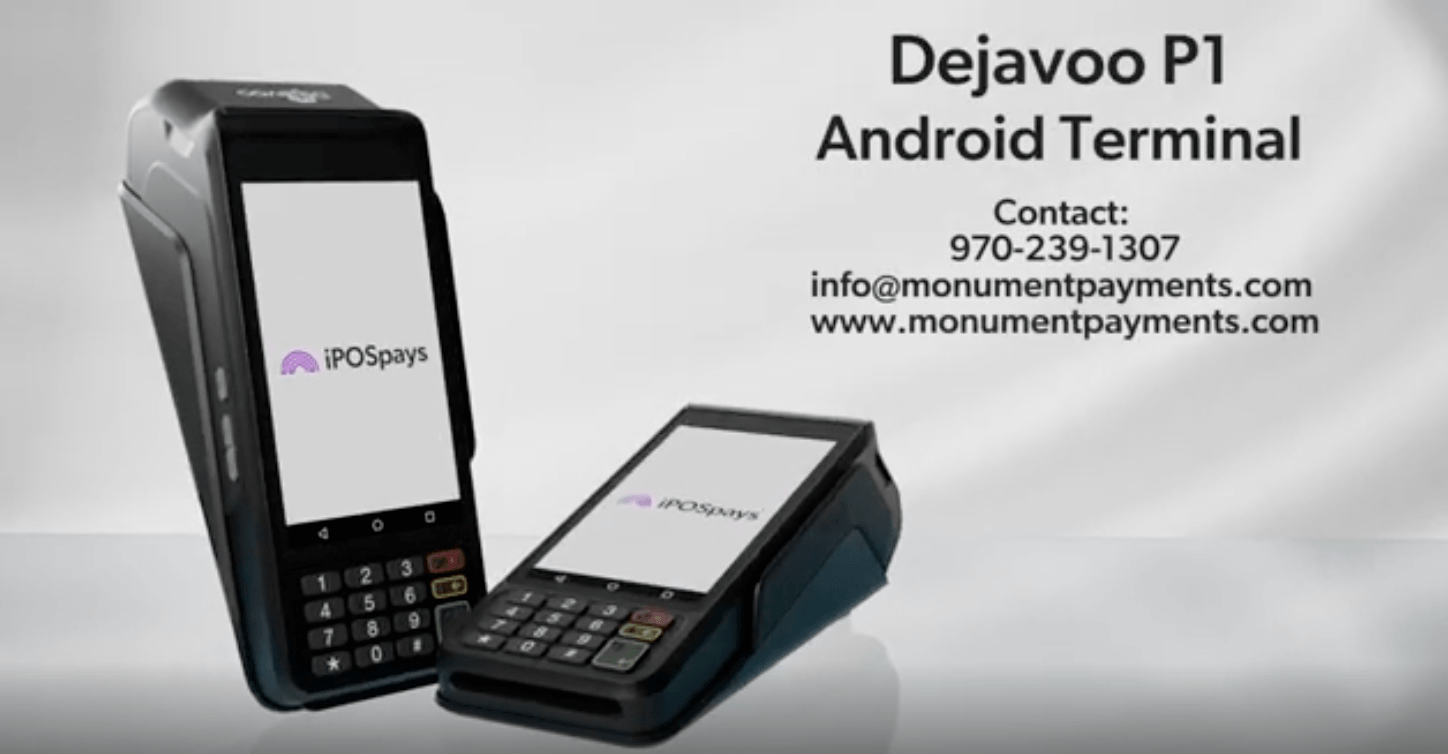
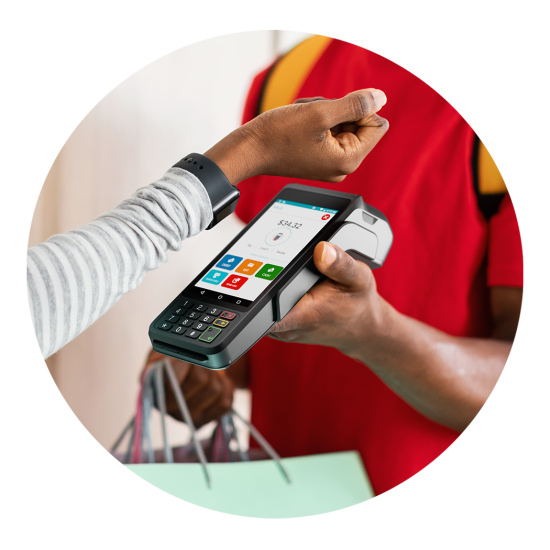
P3 – Android Wireless
Mobile, all-in-one Android terminal with keyboard, printer, and wireless connectivity built in. Perfect for restaurants taking tableside payments, delivery drivers, and home service merchants. Gateway-ready and compatible with Monument's dual pricing programs.
Restaurants, delivery, home services
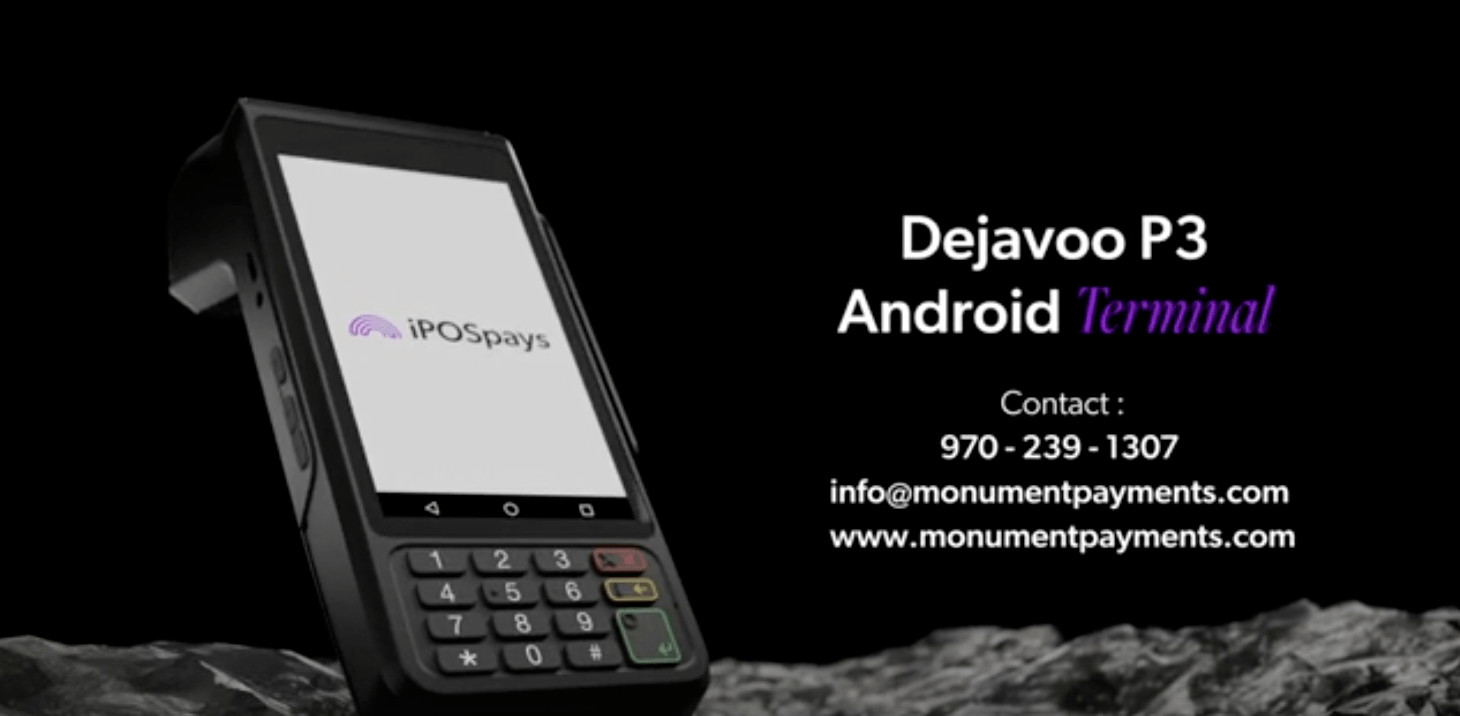
P5 – Android mPOS / PIN Pad
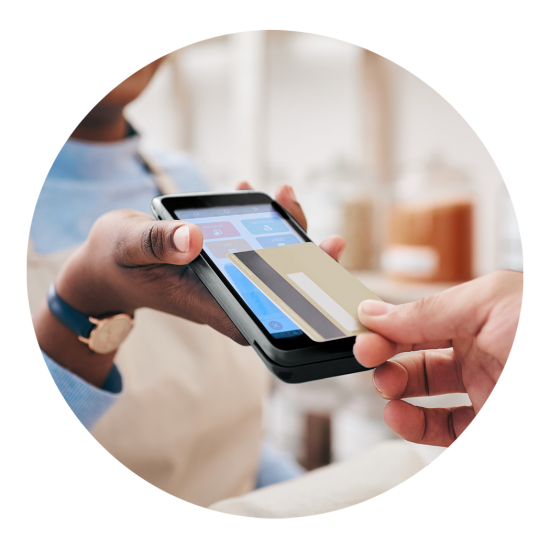
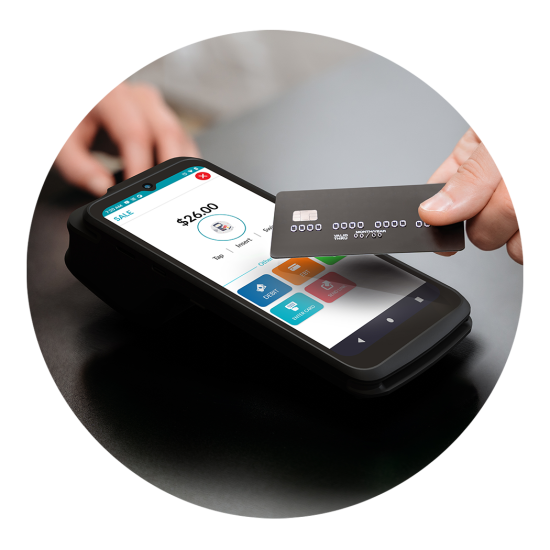
Light and thin multi-functional device with a large touchscreen. Enables all payment methods from EMV contactless to traditional swipe. Can function as a standalone mPOS or as a customer-facing PIN pad alongside a primary terminal.
Mobile merchants, PIN pad applications
P8 – Android Wireless
Full-featured mobile terminal with top-tier performance in a compact form. Use as a standalone device, with the gateway, or for retail and restaurant environments. Supports all payment types and Monument's fee programs. Durable build for demanding environments.
Retail, restaurants, mobile service
CAPABILITIES
What Every Dejavoo Terminal Includes
All Payment Types
EMV chip, contactless NFC (Apple Pay, Google Pay), magnetic stripe, and PIN debit on every terminal.
Wireless & Ethernet
Wi-Fi, 4G LTE, and Ethernet connectivity options depending on model. Store-and-forward for offline environments.
End-to-End Encryption
PCI PTS certified hardware with point-to-point encryption (P2PE) on all transactions.
Cloud Reporting
Real-time transaction reporting via the iPOSpays gateway. Accessible from any device, any time.
Dual Pricing & Surcharging
Compatible with Monument's dual pricing and surcharging programs. Configured for full card network compliance.
Remote Configuration
Native integration with the full Dejavoo P-series. Process in-person and online payments from a single gateway with unified reporting.
HOW IT WORKS
How Monument Deploys Dejavoo
01
Consultation
We evaluate your business environment, transaction volume, and workflow. We recommend the right Dejavoo model and configuration — not the most expensive option, the right one.
02
Configuration
Monument pre-configures your terminal before delivery. This includes fee program setup (dual pricing, surcharging, or standard), gateway configuration, and receipt formatting.
03
Deployment
For businesses in our service area, Monument installs on-site. Remote deployments include step-by-step guidance and phone support during setup.
04
Training
Staff training covering terminal operation, end-of-day settlement, and basic troubleshooting. Tailored to your team's experience level.
05
Ongoing Support
Monument is available during your first transactions. Ongoing support covers gateway questions, rate reviews, and any changes to your payment mix.
WHY MONUMENT PAYMENTS
Monument vs. Buying Dejavoo Direct
See what you get when you work with Monument instead of purchasing a terminal through a generic reseller.
| Feature | Buy Direct / Generic Reseller | Monument Payments |
|---|---|---|
| Business evaluation before recommending hardware | ✓ | ✓ |
| Right model selected for your workflow | ✓ | ✓ |
| Pre-configured before delivery | x | ✓ |
| Dual pricing / surcharging program setup | x | ✓ |
| On-site installation available | x | ✓ |
| Staff training included | x | ✓ |
| Ongoing technical support | x | ✓ |
| Annual processing rate reviews | x | ✓ |
Ready to find the right Dejavoo terminal?
Monument evaluates your operation and recommends the right model. Free consultation, no obligation.
COMMON QUESTIONS
Dejavoo Terminal Questions
See what you get when you work with Monument instead of purchasing a terminal through a generic reseller.
Still have questions?
Monument is happy to walk through your specific situation on a call.
Which Dejavoo terminal is right for my business?
It depends on your environment and workflow. The P1 is ideal for a fixed countertop with high transaction volume. The P3 and P8 are wireless and work well for restaurants, delivery, or businesses where staff move around. The P5 and P12 are compact mPOS options for mobile merchants. The P17 is a PIN pad designed to sit at the customer side of a counter. Monument evaluates your operation and recommends the right model before any purchase.
What payment types do Dejavoo terminals accept?
All Dejavoo P-series terminals accept EMV chip cards, contactless (NFC) payments including Apple Pay and Google Pay, traditional magnetic stripe swipe, and PIN debit. The terminals are PCI PTS certified and support end-to-end encryption.
Do Dejavoo terminals support dual pricing and surcharging?
Yes. Dejavoo terminals are compatible with Monument's dual pricing and surcharging programs. The terminal can display both the cash price and the card price at checkout, and the program is configured to comply with card network rules. Monument handles the setup and compliance.
How does the Dejavoo gateway (iPOSpays) work?
Dejavoo P-series terminals run on the iPOSpays gateway, which provides cloud-based transaction management, reporting, and remote configuration. Transactions are processed in real time, and merchants can access reporting from any device. Monument configures the gateway as part of the deployment.
Can Dejavoo terminals be used as standalone or integrated?
Both. Dejavoo terminals can operate as standalone payment devices or integrate with your existing POS software via semi-integration. Monument evaluates your current setup and configures the terminal for the right mode.
What is the difference between the P8 and P8 Dual Screen?
The P8 is a full-featured wireless terminal in a compact form factor. The P8 Dual Screen adds a second customer-facing display, making it ideal for businesses that want to show pricing, promotions, or signature capture on a dedicated screen. Both share the same processing performance.
What if I need a terminal that works offline?
Dejavoo terminals include store-and-forward functionality, which allows transactions to be captured locally when connectivity is unavailable and submitted when the connection is restored. Monument configures this feature and sets appropriate transaction limits.
Does Dejavoo work with my current processor?
Dejavoo terminals can be configured to work with multiple processors. Monument evaluates your current processing relationship and configures the terminal accordingly, or recommends a processor switch if it would benefit your rates and service.
What support does Monument provide after deployment?
Monument provides ongoing support including troubleshooting, terminal reconfiguration, processing rate reviews, and consultation as your business evolves. Dejavoo also provides direct technical support for hardware issues.