
Automotive payment processing for repair shops: ticket fees, Traditional vs dual pricing vs ACH, and how to read your statement.

Cut B2B payment processing costs and get paid faster: ACH vs cards, Level 2/3 data, invoicing tools, and how to evaluate a provider. Free evaluation.

Credit card processing for contractors: cut fees, get paid on-site with mobile tools, ACH for big invoices, and a clear statement review.
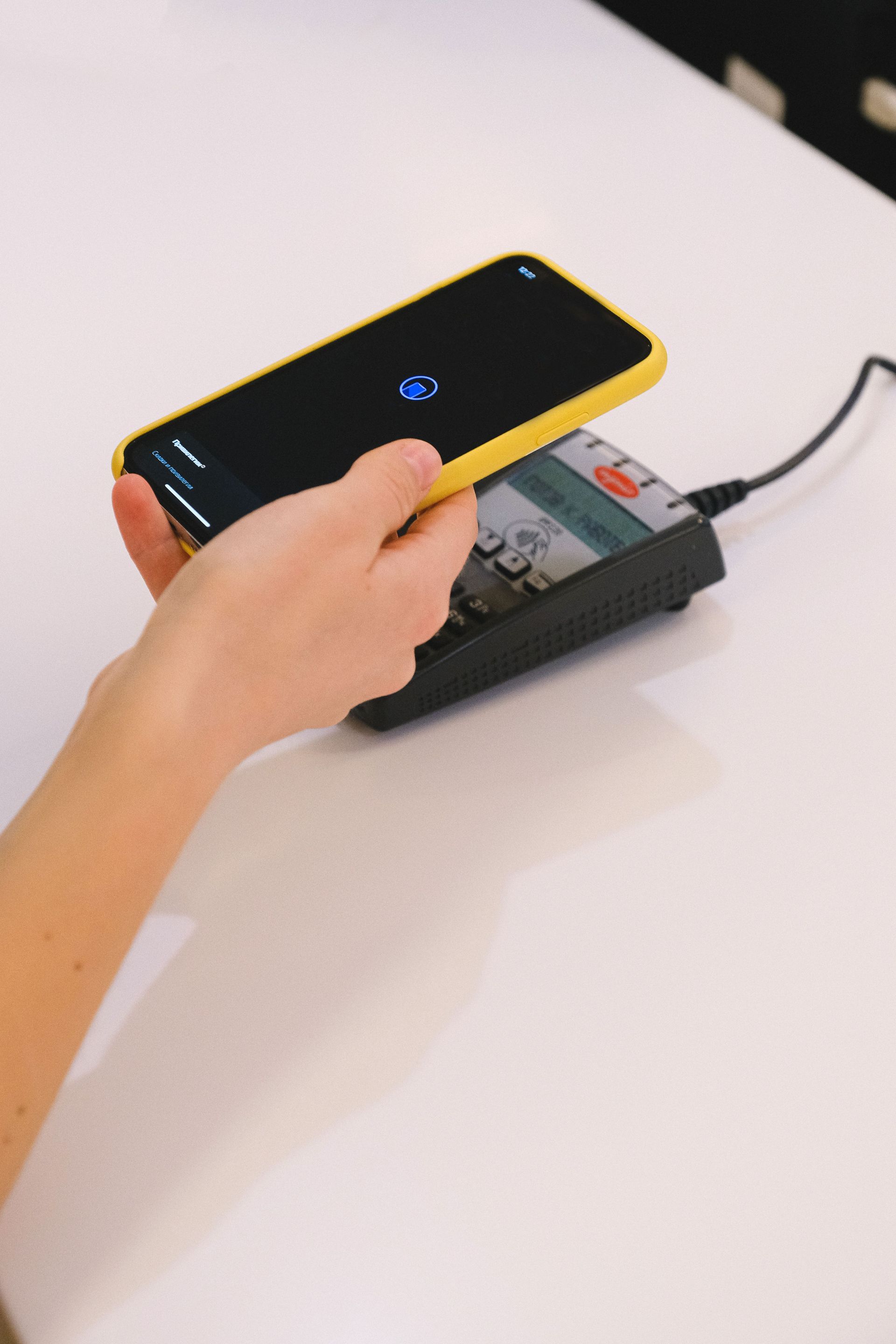
Compare a merchant account vs payment gateway in plain English: what each does, how they work together, how to read a quote, and when Monument Traditional processing or fee recovery may fit.

Learn how interchange plus pricing works, compare flat-rate and tiered models, and see when transparent processing fits your business.
Compare dual pricing vs surcharge for card fee recovery—customer experience, debit handling, compliance, and when traditional processing still makes sense.

Learn how a virtual terminal works, what keyed payments cost, PCI DSS responsibilities, and how to choose the right option for phone and invoice payments.

Why We Built a New Website Designed Around Our Clients When we set out to rebuild our website, we started with one goal: make it easier for business owners to find the information they actually need. Over the years, we’ve heard feedback from clients across Western Colorado , Eastern Utah , and Northern New Mexico — they wanted faster access to pricing, clearer information about payment options, and a simpler way to get local support. Our new site delivers al l of that. It’s faster, easier to navigate, and built to work seamlessly on any device — whether you’re behind the counter or on the go. Streamlined Navigation We’ve organized our services into intuitive sections like Pricing , POS Systems , and Payment Programs so you can quickly find the solutions that fit your business. The homepage also highlights what sets Monument apart — transparency, local expertise, and flexible options for every type of business. What’s New on the Site Clear, Transparent Pricing One of the biggest updates you’ll notice is our transparent pricing page . It breaks down each of our programs — Dual Pricing , Surcharging , and Traditional Processing — in plain language. No fine print. No hidden markups. For example, many local shops in Montrose have already switched to our Dual Pricing model, saving up to 100% of their credit card fees while staying fully compliant with c ard network rules. The new site explains exactly how those savings work so you can decide what’s best for your business. Detailed Service Pages Each of our major solutions now has its own page — whether it’s Clover POS , Exatouch , ProCharge , or mobile payment processing. These pages walk you through the features, use cases, and benefits of each option, so you can easily compare and find what fits your operation. One of our retail partners in Grand Junction recently said that the new POS comparison section helped them finally understand which system would handle their inventory and online orders best. That’s the kind of clarity we aim to provide every day. Educational Resources and Blog We know that payment processing can feel overwhelming — so we’ve built a resource center to make it simpler. Our new blog and guides explain key topics like how surcharging works, the difference between merchant accounts and gateways, and how to protect your business from fraud. Our goal is to give you more than just processing — we want to empower you with knowledge that helps your business grow. What Th is Means for Local Businesses Easier Access to Local Support We’ve always taken pride in being local — serving communities throughout Western Colorado , Eastern Utah , and Northern New Mexico . The new website makes connecting with us easier than ever. Whether you need to schedule a consultation, request a quote, or troubleshoot a terminal, you can reach us directly through simple contact forms or by calling our Grand Junction office. As one of our restaurant clients in Durango put it, “It’s refreshing to work with a payment company that actually picks up the phone.” That’s the standard we’ve built this new website around. Trust and Transparency at Every Click The payment industry can be filled with confusing rates and long-term contracts — but Monument Payments has always done things differently. Our new site mirrors that philosophy by being upfront, easy to navigate, and completely transparent. Our Commitment to Innovation Our website isn’t just a redesign — it’s a foundation for the future. We’ve added new features to highlight emerging payment technology like contactless terminals , EMV chip readers , and integrated eCommerce solutions . Soon, we’ll roll out interactive tools that help businesses compare systems and calculate savings instantly. But even with all this innovation , one thing won’t change: our commitment to real, personal service. Whether online or in person, Monument Payments will always be here to make sure your payment solutions work the way your business does. Explore the New Site Today We invite you to explore the new Monument Payments website and see how much easier we’ve made it to understand and manage your payment processing needs. If you’re ready to simplify your payments, reduce costs, and work with a local team that puts honesty first, visit us online or call (970) 239-1307 to schedule a free consultation. Monument Payments — Payment Processing that works the way you do.

What We Recommend for Your Business

Not Really Sure what Payment Processing is? Don't worry we are here to help!