SYSTEMS
Union® POS, Deployed by Monument for High-Volume Bars and Restaurants
Union is a hospitality operating system built specifically for high-volume bars and restaurants. Monument deploys Union for venues where speed, guest experience, and operational efficiency are non-negotiable.

ETA Certified Payment Professional
Serving Businesses Since 2014
500+ Merchants Served
PCI DSS Compliant
WHY UNION
Why Monument Deploys Union
Most POS systems used in restaurants were originally designed for retail and adapted for hospitality. Union was built from the ground up for bars and restaurants. That distinction matters in ways that become obvious during a Friday night rush.
Union's design philosophy centers on speed. Every screen, every workflow, and every interaction is optimized to reduce the number of taps between a customer ordering a drink and a bartender starting the next one. For high-volume venues where every second at the point of sale affects revenue, this is the difference between serving 200 guests and serving 250.
Monument deploys Union for venues that have outgrown general-purpose POS systems or that are building a new operation and want to start with a system designed for their environment. Union is not for every restaurant. It is for restaurants and bars where speed and guest experience are the top operational priorities.
Union POS™ Is a Strong Fit For:
- High-volume bars where tab management speed directly affects revenue
- Nightclubs and entertainment venues with multiple service points
- Full-service restaurants with strong bar programs
- Restaurants prioritizing guest experience with guest-led ordering
May Not Be Ideal For:
- Retail operations - Union is not designed for retail checkout and inventory management
- Quick-service counter operations - Union's strength is table and bar service
- Businesses that primarily need inventory management - Clover or Korona are better fits
PRODUCTS & FEATURES
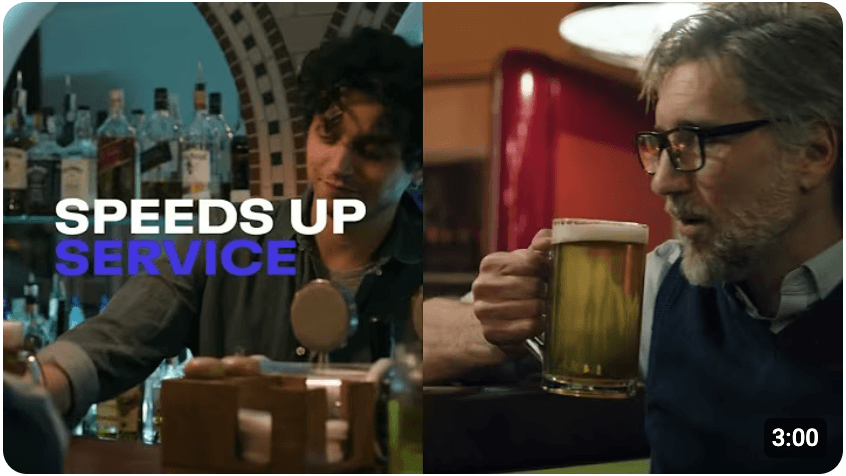
Union Feature Overview Videos
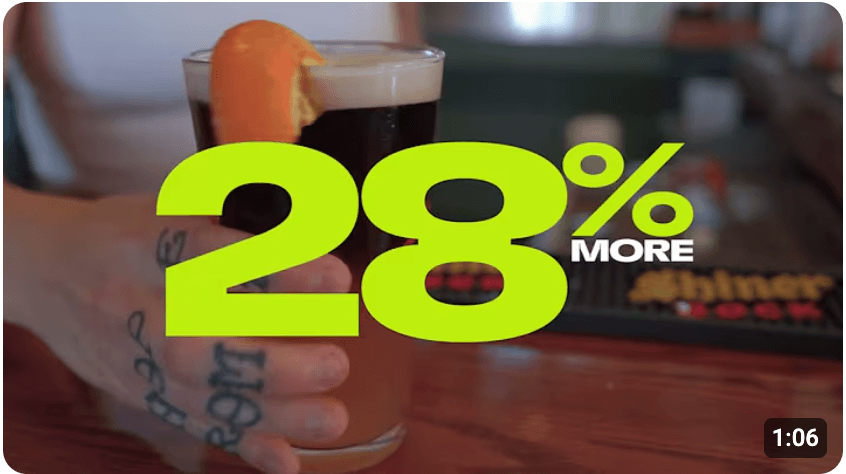
Click on the below videos to see what features the Union platform offers to your bar or restuarant!
PRODUCTS & FEATURES
The Full Union Platform
Union is more than a POS terminal. It is a complete hospitality operating system. Monument deploys and configures each component based on your venue's service model.
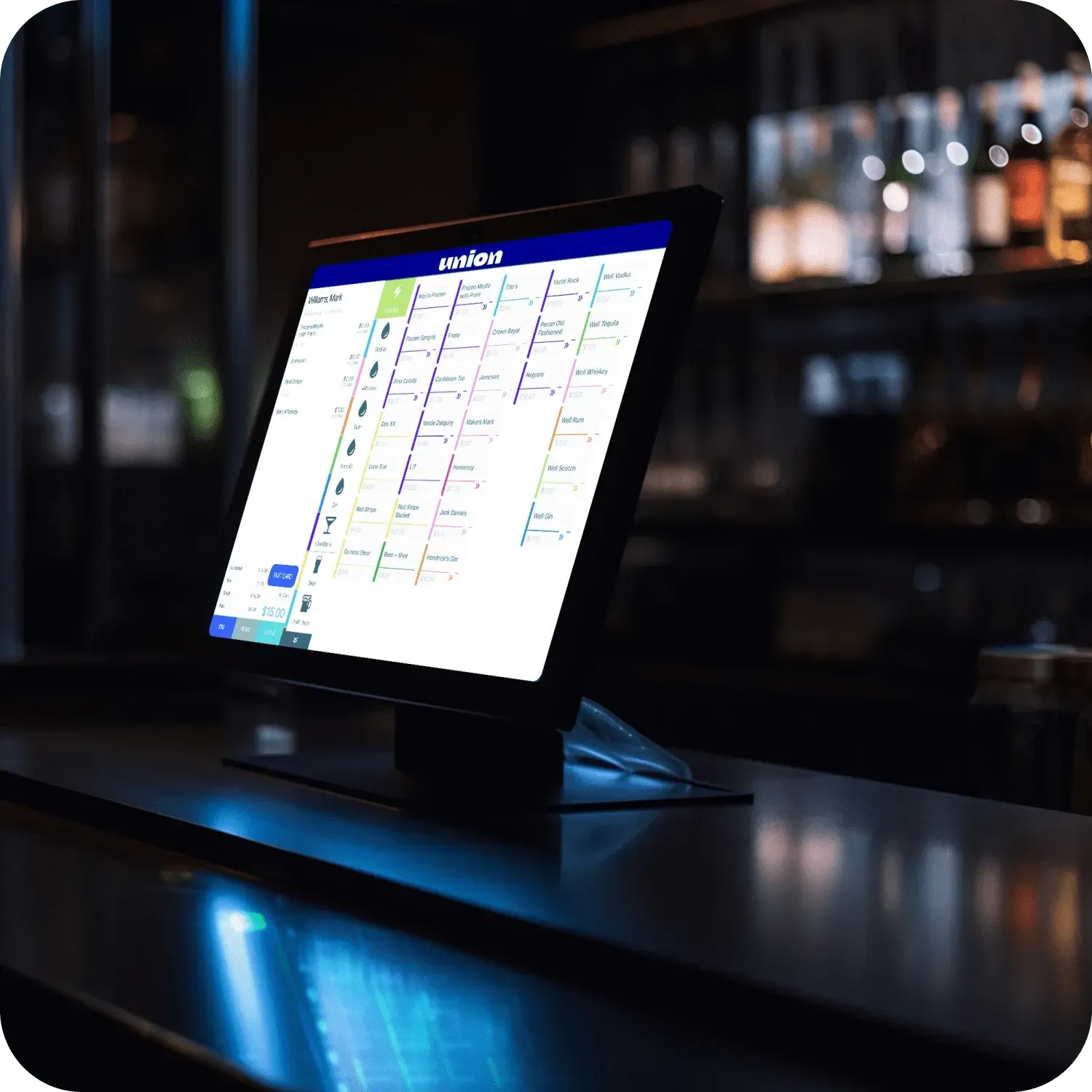
Point of Sale
The core Union POS terminal — cloud-based, built exclusively for high-volume hospitality. Supports 1,000+ simultaneous tabs with no lag, offline mode for uninterrupted service, and one-button close-all-tabs at end of night. Designed by industry experts who understand the difference between a Friday night bar rush and a retail checkout line.
Primary terminal for bars, restaurants, and nightclubs
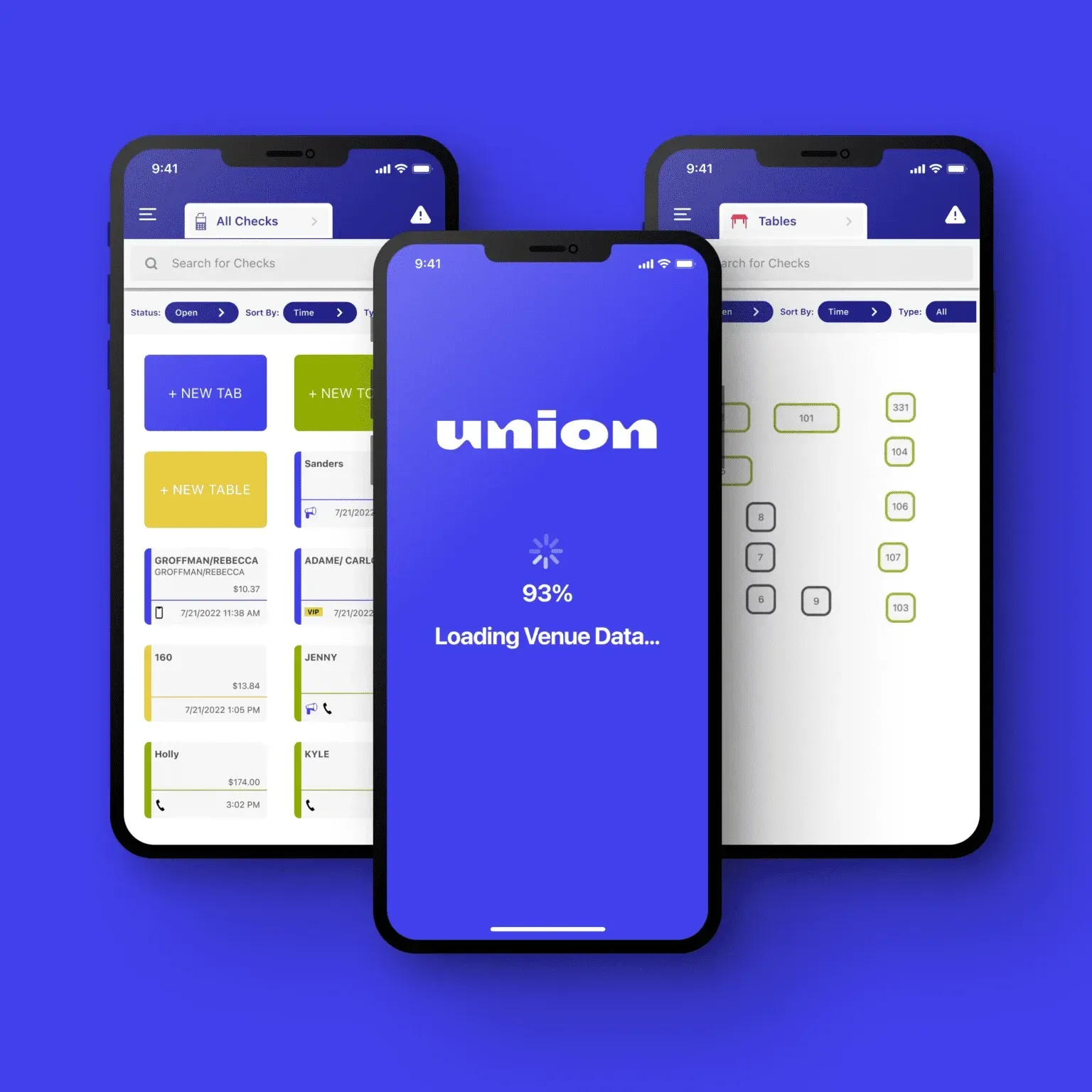
Union Pocket – Handheld POS
A card-reader-free handheld POS that runs on any iPhone 12 or later. Supports Tap to Pay on iPhone (NFC), Scan to Pay via QR code, and guest-led digital payment. Servers and bartenders can take orders, manage tabs, split checks, and accept payment without leaving the floor. Compatible with BYOD — staff can use their own iPhones.
Tableside ordering, bartenders, high-volume floor service
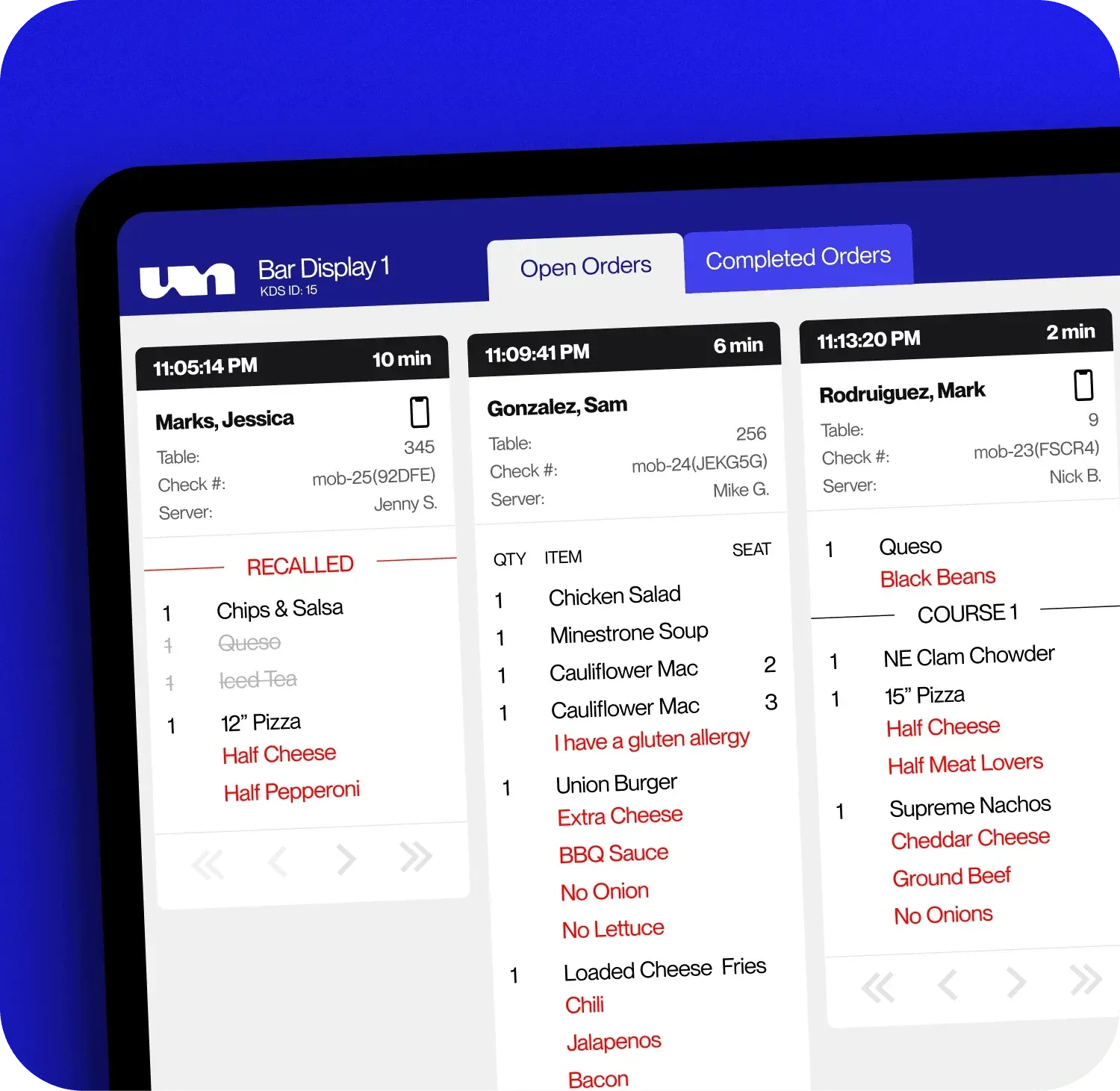
Kitchen Display System (KDS)
Real-time order display for kitchen and bar staff. Orders appear instantly as they are placed, organized by table, time, and station. Staff can prioritize orders, mark items in progress, and communicate timing. Eliminates paper tickets and reduces errors during peak service. Integrates directly with guest-led ordering.
Kitchen stations, bar display, order
routing
Union KitchenHub
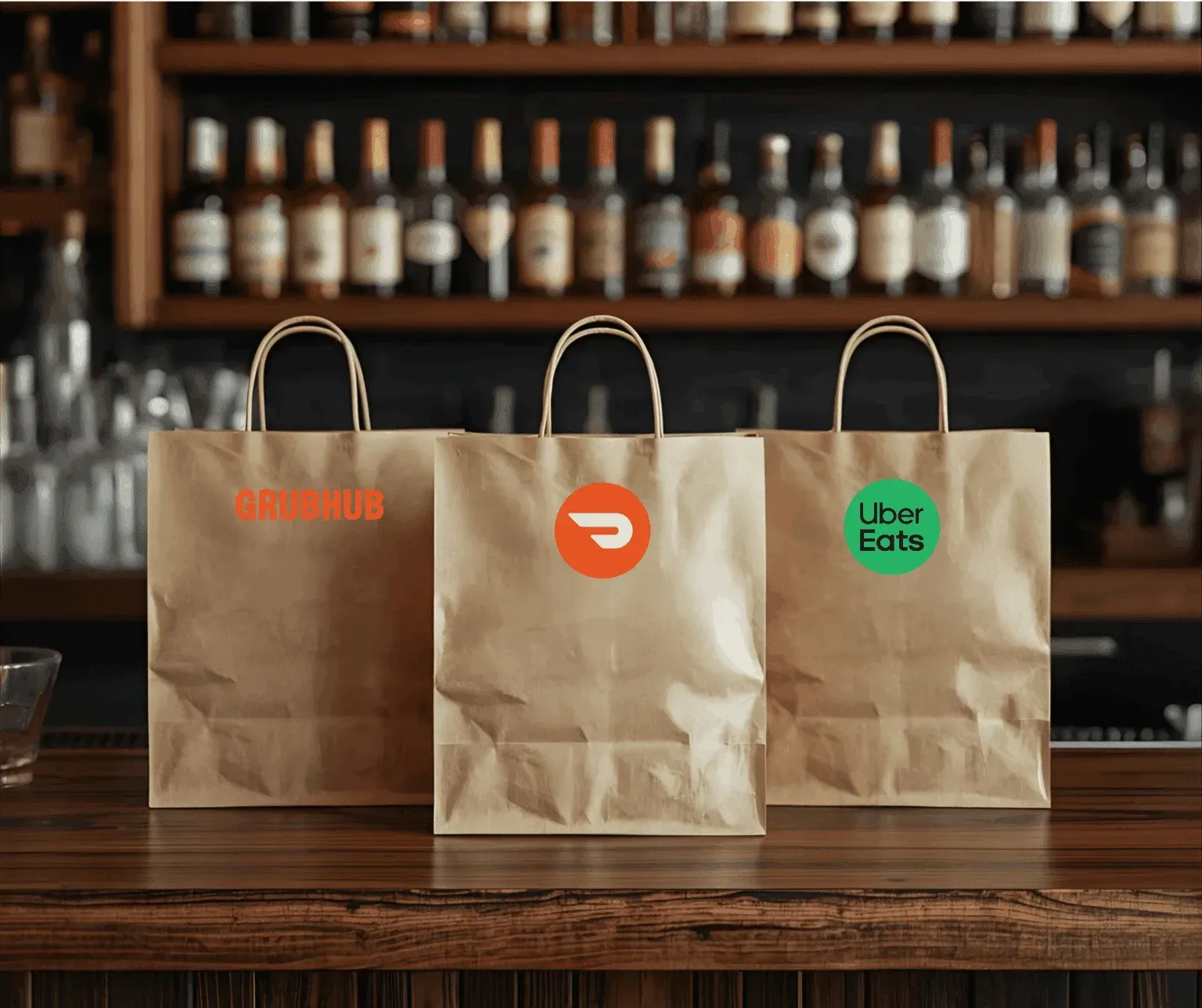
Third-party delivery aggregator integration. Brings orders from Uber Eats, DoorDash, Grubhub, and other platforms directly into Union POS — no separate tablets, no manual re-entry. Update your menu once in Union and it publishes everywhere. Pause delivery or extend prep times directly from the POS when the kitchen is slammed.
Venues with delivery or online ordering

Guest-Led Ordering
Guests scan a QR code at their table to view the menu, place orders, and pay — all from their own phone. No app download required. Apple Pay and Google Pay supported. Orders go directly to the KDS. Venues using guest-led ordering see an average 28% increase in check size and 3x table coverage per server. Drinks are delivered 6 minutes faster than traditional face-to-face ordering.
Full-service restaurants, bars, entertainment venues
Digital Menus
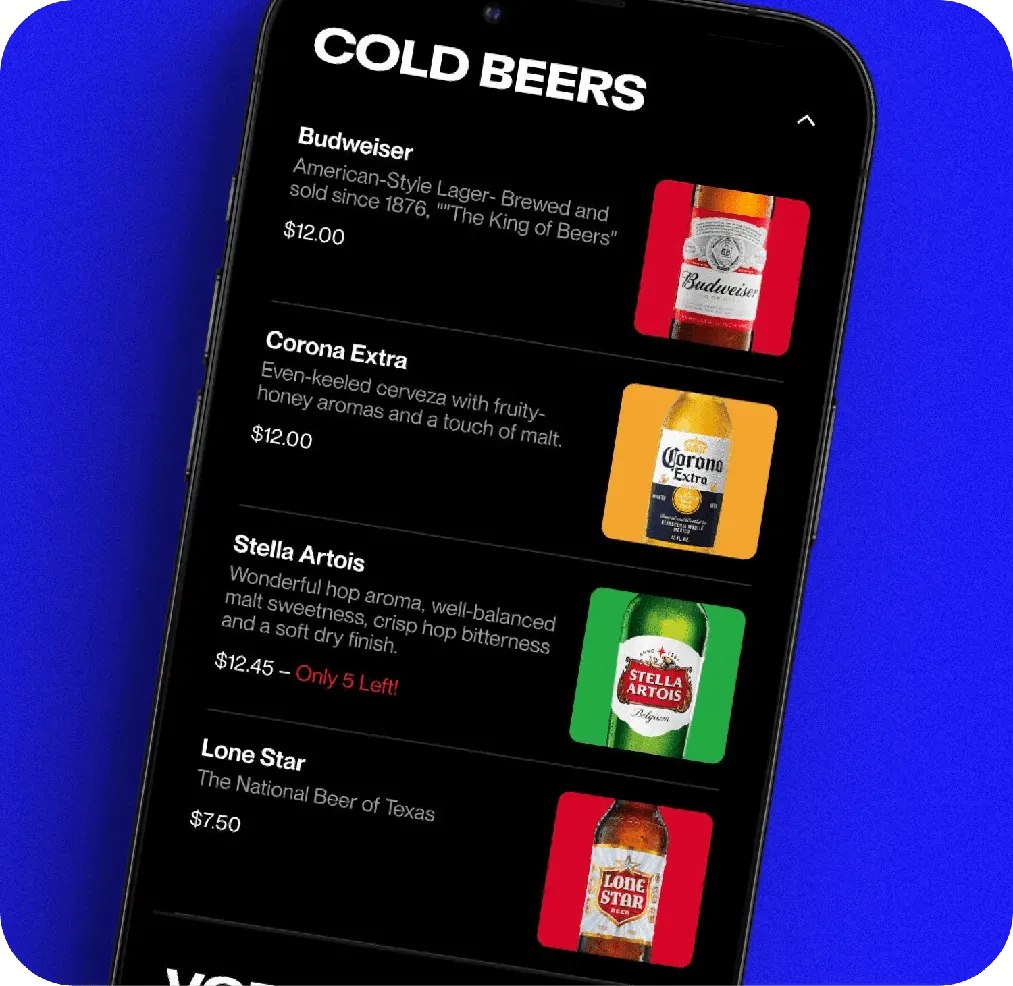
Real-time digital menu management tied directly to the POS. When an item is 86'd or set to countdown in Union, it updates instantly in the guest-facing menu. Menu sections change automatically based on day and time (brunch, lunch, happy hour, dinner). Guests can save favorite items with modifiers for quick reorder. Supports large photos and promotional highlights.
Menu management, upselling, time-based specials
Waitlist
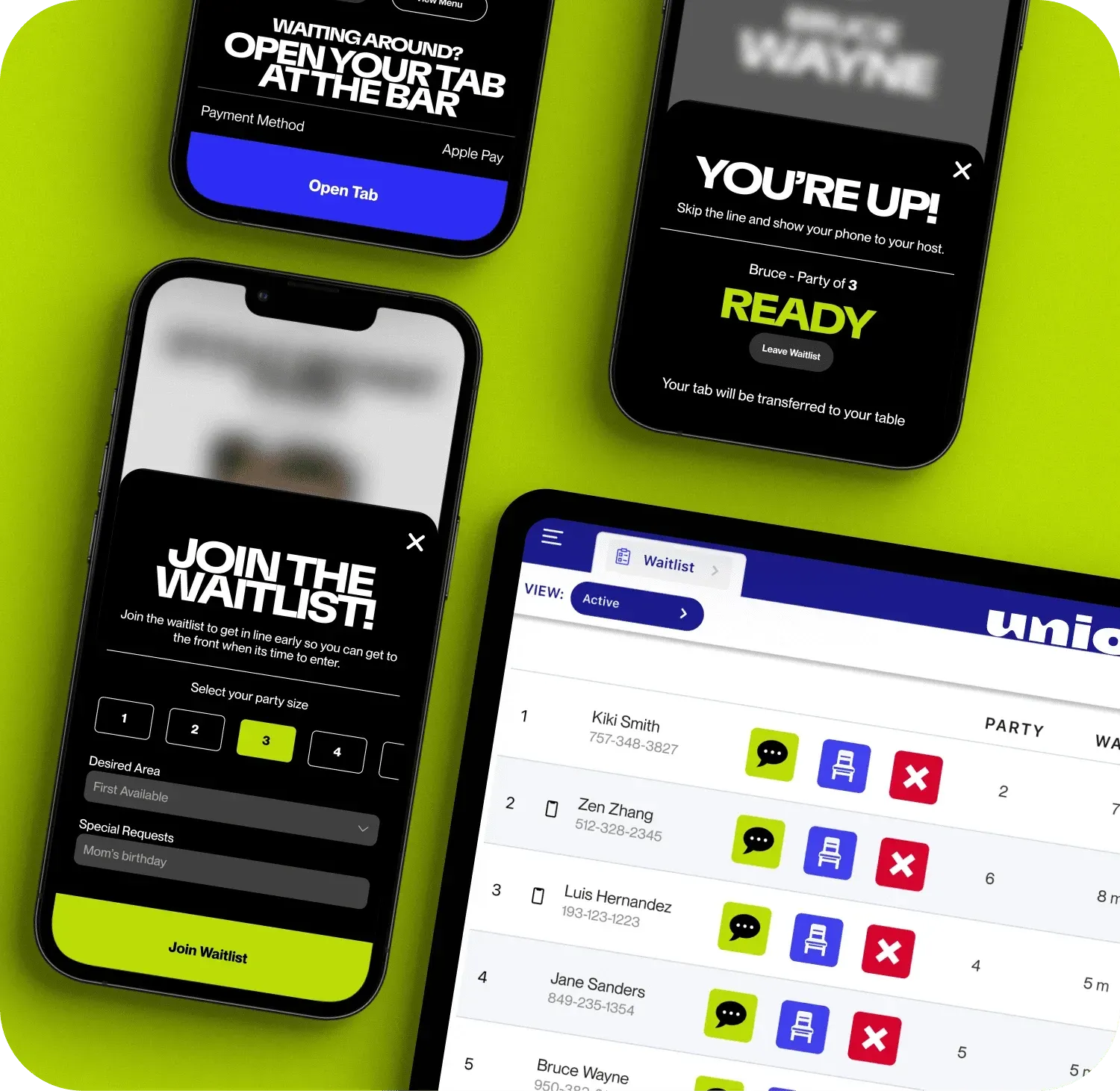
Guest and table management tool. Guests join the waitlist via QR code or NFC, track their place in line, and can open a tab and order from the bar while they wait. Staff receive guest notes and drink preferences before seating. Text notifications sent automatically when tables are ready. Checks transfer seamlessly to the table when guests are seated.
Full-service restaurants, venues with table management
CAPABILITIES
Built Into Every Union Deployment
Beyond the individual products, every Union installation includes these platform-wide capabilities.
Offline Mode
Continues to operate if the internet drops. Transactions are processed locally and sync when connectivity is restored. No lost sales during outages.
AI-Powered Reporting
Analytics that identify trends, flag anomalies, and provide actionable insights about sales, labor, and menu performance. Covers sales by time period, server, and menu item.
Rewards & Loyalty
Built-in loyalty tied to the guest's payment method. No separate card to carry. Drives repeat visits and provides guest behavior data for targeted promotions.
PCI DSS Compliant
All payment processing meets PCI DSS standards. End-to-end encryption on all transactions. Monument handles compliance so you don't have to.
24/7 Support
Union provides round-the-clock direct support for all customers. Monument provides ongoing optimization and troubleshooting on top of that.
Hospitality-First Design
Every screen, workflow, and interaction is optimized for bar and restaurant service. Not a retail system adapted for hospitality — built for it from day one.
HOW IT WORKS
How Monument Deploys Union
01
Venue Evaluation
We visit your venue or conduct a detailed remote evaluation to understand layout, service flow, staffing model, and operational priorities.
02
Menu & Configuration
We program your full menu with modifiers, sizes, courses, and special instructions. Floor plan configured to match your actual layout. Kitchen display routing set for correct delivery.
03
Hardware Deployment
Union Pocket devices, KitchenHub displays, and fixed terminals installed and positioned based on your service flow.
04
Staff Training
Front-of-house and back-of-house teams trained separately. Servers and bartenders learn Pocket operation. Kitchen staff learn KitchenHub. Managers learn reporting and oversight.
05
Go-Live & Support
We recommend launching during a slower service period. Monument is available during your first shifts. After deployment, ongoing support plus Union's 24/7 direct support.
WHY MONUMENT PAYMENTS
Monument vs. Buying Union Direct
See what you get when Monument deploys Union for your venue.
| Feature | Buying Direct | Monument Payments |
|---|---|---|
| Venue-specific evaluation | x | ✓ |
| Menu programming with modifiers and courses | x | ✓ |
| Floor plan configured to your layout | x | ✓ |
| On-site hardware installation | x | ✓ |
| Separate FOH and BOH staff training | x | ✓ |
| Go-live support during first shifts | x | ✓ |
| Ongoing optimization and troubleshooting | x | ✓ |
| Annual processing rate reviews | x | ✓ |
PRICING
What to Expect
Pricing for a retail POS depends on the system, hardware configuration, and processing setup. Here is how it typically breaks down.
Hardware
Union hardware can be purchased outright or financed monthly. Monument helps you select only the hardware you actually need.
Software
Monthly software plans vary by tier. Monument recommends the plan level that matches your actual needs, not the most expensive option.
Processing
Processing rates depend on your volume and card mix. Monument provides a clear rate breakdown and reviews rates annually to keep costs competitive.
Experts in Every Industry
Monument's team has owned and operated businesses across the industries we serve. We understand what you need because we have been there ourselves.
Not Sure If Union POS Is Right for You?
That is exactly what the consultation is for. Monument evaluates your venue before recommending any system. If Union is not the right fit, we will tell you what is.
COMMON QUESTIONS
Common Questions About Union POS
Questions about how Monument works, how Union might work with your business, and what to expect from the process.
Still have questions?
Monument is happy to walk through your specific situation on a call.
What makes Union different from other restaurant POS systems?
Union was built from the ground up for hospitality. Most other POS systems were designed for retail and adapted for restaurants. Union's workflows, interface design, and feature set are optimized for the speed and complexity of bar and restaurant service. The guest-led ordering feature, Union Pocket handheld, and AI-powered reporting reflect this hospitality-first design.
How does guest-led ordering work?
Guests scan a QR code at their table using their phone. They see the full menu, browse at their own pace, add items, and pay when ready. No app download required — Apple Pay and Google Pay are both supported. Orders go directly to the KDS. Servers still manage the table and can adjust orders. Venues using guest-led ordering report an average 28% increase in check size and 3x table coverage per server.
Can my bartenders use Union Pocket?
Yes. Union Pocket runs on any iPhone 12 or later and supports Tap to Pay on iPhone — no card reader required. Bartenders can take orders, open and close tabs, split checks, and process payments without stepping away from the bar. Staff can use their own iPhones (BYOD) or Monument can assist with device procurement.
What is the Kitchen Display System and how does it differ from KitchenHub?
The Kitchen Display System (KDS) is the in-house kitchen screen that shows all orders in real time — organized by table, time, and station. It replaces paper tickets. KitchenHub is a separate add-on that aggregates third-party delivery orders (Uber Eats, DoorDash, Grubhub) and routes them into the same KDS, so your kitchen staff sees everything in one place. Both can be deployed together.
Does Union have a waitlist feature?
Yes. Union Waitlist lets guests join the line via QR code or NFC, track their place, and open a tab to order from the bar while they wait. Staff receive guest notes and drink preferences before seating. Text notifications go out automatically when tables are ready, and checks transfer seamlessly to the table.
How do Digital Menus work with the POS?
Digital Menus are tied directly to the Union POS in real time. When you 86 an item or set it to countdown in the POS, the guest-facing menu updates instantly. Menu sections change automatically based on time of day (brunch, lunch, happy hour, dinner). Guests can save favorite items with modifiers for quick reorder on future visits.
How does Union handle tips?
Tips are entered at the point of payment — on the Union Pocket handheld, through the guest-led ordering interface, or at a fixed terminal. Tip pooling and tip sharing calculations can be configured based on your house rules. Tip reports are available for payroll processing.
Does Union work offline?
Yes. Union continues to operate if the internet connection drops. Transactions are processed locally and synced when connectivity is restored. This prevents lost sales during outages.
How long does Union setup take?
Most Union deployments take one to two weeks from evaluation to go-live. Menu programming and staff training are the most time-intensive steps. Monument handles configuration and installation so your team can focus on running the venue.
What reporting does Union provide?
Union provides standard sales reports plus AI-powered analytics that identify trends, flag anomalies, and provide actionable insights. Reports cover sales by time period, server, menu item, and category. Labor cost analysis, peak hour identification, and menu performance tracking are also available.
Can I switch from my current POS to Union?
Yes. Monument handles the full migration, including menu transfer, hardware deployment, staff training, and go-live support. We manage the transition to minimize disruption to your operation.
What support does Monument provide after deployment?
Monument provides ongoing support including troubleshooting, system optimization, and consultation as your business evolves. Union also provides 24/7 direct support for all customers, so you have multiple channels for assistance.
Running a High-Volume Bar or Restaurant?
Talk to Monument about whether Union is the right fit for your venue. Free consultation. No obligation.