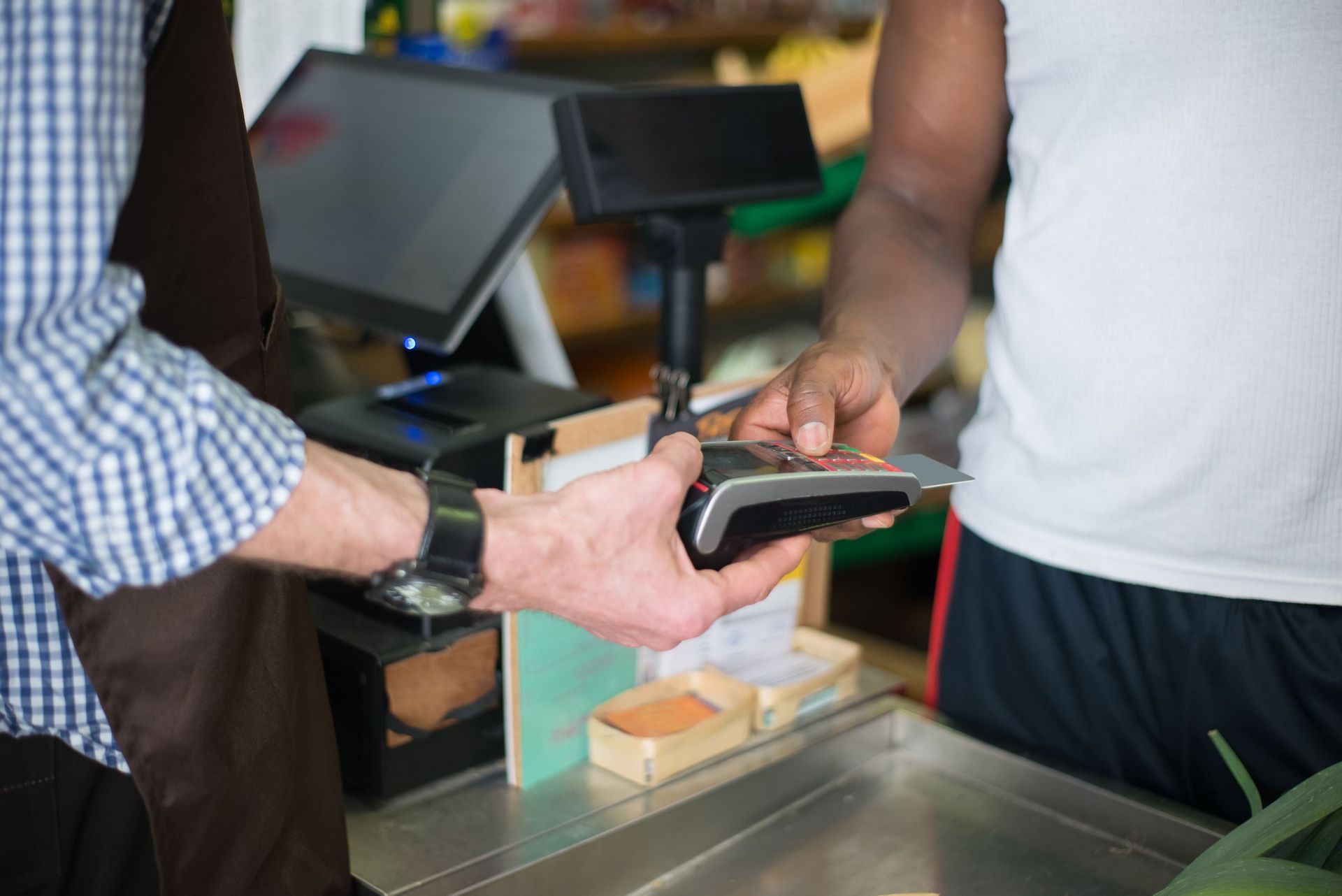
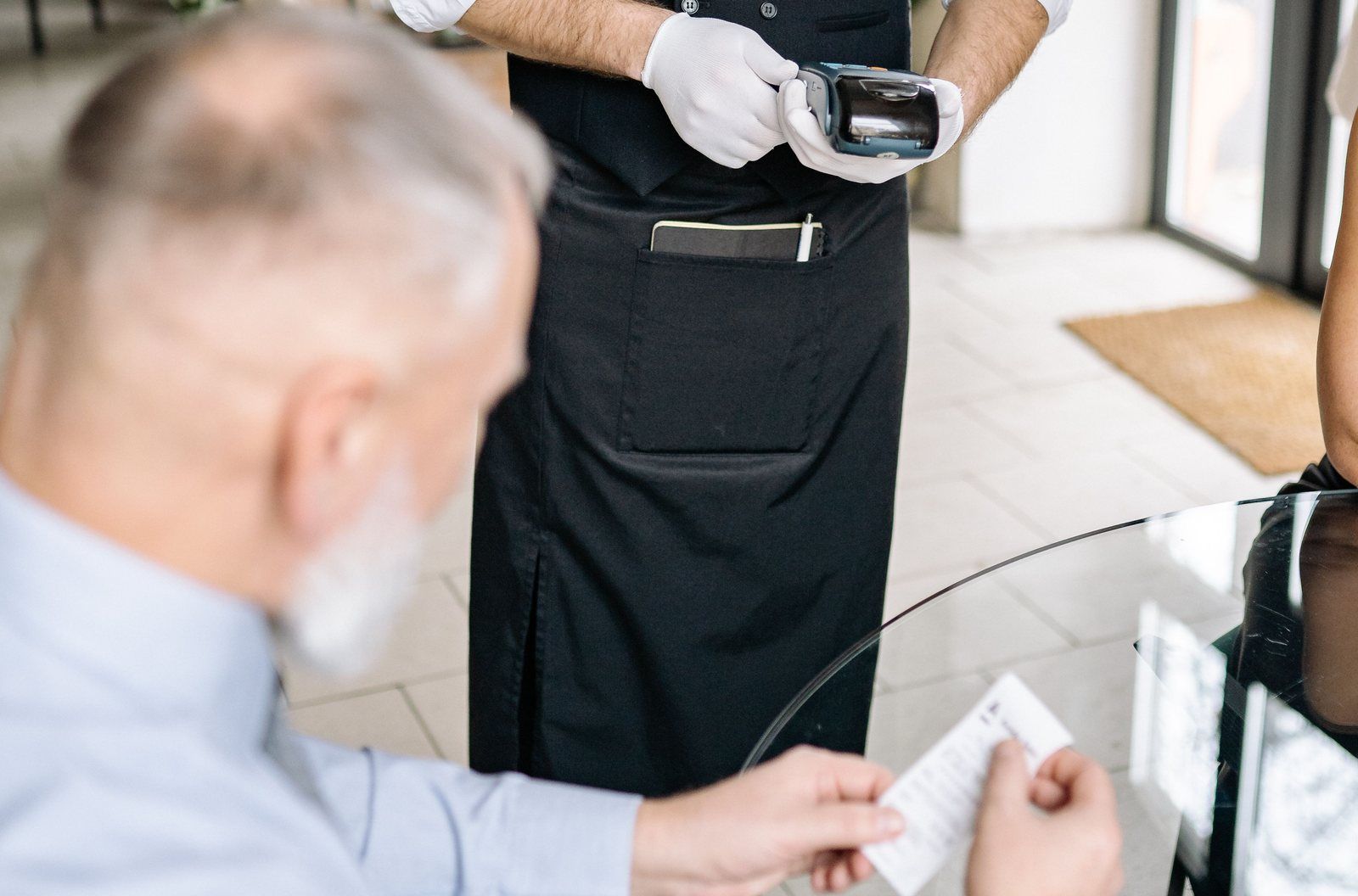
The router light starts blinking red at 6:40 on a Friday night. The dining room is half full, the kitchen is mid-rush, and the card reader on the counter is spinning on "connecting" while a line forms. Nobody did anything wrong. The internet went down, and now the only question is what your point of sale does next. An offline POS system keeps the register running and holds card payments for later. Without one, you have a touchscreen paperweight and a stack of handwritten tickets.
Offline mode is worth understanding before that night, not during it, because it covers less than the name suggests and carries a money risk most demos skip. Here is what keeps working when the connection drops, what quietly stops, where the risk sits, and what to ask before you sign.
What an Offline POS System Actually Is
People use the word "offline" to describe two different things, and the distinction matters more than most buyers realize.
The first is that the POS software keeps running locally. The register, the menu, the item catalog, and order entry live on the device or on your local network rather than loading from a server somewhere else every time someone taps the screen. When the internet drops, the interface you and your staff use does not vanish. You can still open a tab, ring in a burger, fire it to the kitchen, and close the check.
The second is that card payments are queued, not approved. When a card runs while the system is offline, no authorization request goes to the card-issuing bank at the counter. The card data is stored on the device, and the authorization request goes out when the connection returns. Visa calls this Deferred Authorization (and notes it may be referred to as store-and-forward), and
Visa's Transaction Acceptance Device Guide says merchants performing deferred authorization should complete authorizations within 24 hours of the transaction.
The sale looks approved at the counter, but the approval has not happened yet. The customer walks out with their food and a receipt, while the bank's actual answer is still sitting in a queue. How you handle that gap decides whether offline mode saves your night or costs you money.
What Keeps Working Offline (and What Usually Stops)
What typically keeps running
When a POS system has a genuine offline mode, the core of the operation continues. Order entry, checkout, and menu or item lookup run from data stored on the device, and receipt and kitchen printers on your local network usually carry on as long as the network itself has power. Cash never needed an authorization in the first place.
In practice, your staff can keep serving tables, ringing items, and closing checks, and the customer in front of you sees something close to a normal transaction.
What typically stops or degrades
The features that depend on a live connection to a cloud server are the ones that go dark. Online ordering and third-party delivery sync stop, because those orders arrive through the internet. Gift card and loyalty balance lookups often fail, because the current balance lives on a server your device cannot reach. Real-time cloud dashboards typically freeze at the moment of the outage. Multi-location sync usually pauses, so a sale at one store may not show up in the other store's view until both reconnect. Anything that needs a live server rather than the device itself falls into this category.
The exact behavior varies by system, and it varies more than most people expect. Two systems can both claim "offline mode" while behaving very differently in the details: which devices keep working, how long the queue holds, and how payments reconcile afterward. This is why the vendor questions later in this article matter. If you are still comparing brands before you get into these details, the guide to
popular POS systems and what we recommend for your situation covers the landscape first, and then you can dig into offline behavior for the finalists.
One more distinction worth drawing: a POS without internet can still be a functioning POS. A POS without local software cannot. Systems that run mainly as browser apps tied to a cloud backend can struggle most in an outage, because the browser has nothing to load. Systems that keep their core functions on the device degrade gracefully instead.
The Honest Risk: Offline Card Payments Can Come Back Declined
Sales conversations rarely dwell on this part. A card you accept offline can come back declined hours later, after the customer is long gone. The reasons are ordinary: insufficient funds, a closed account, or a fraud flag. At the counter, everything looked fine. The receipt printed. The customer left happy. Hours later, the authorization fails and the money never arrives.
That loss usually belongs to the merchant.
Square's offline payments guide is unusually direct about this. You will not receive notifications for declined payments while you are processing offline. You are responsible for any expired, declined, or disputed payments accepted while offline. Square cannot contact the customer for you. Uploading within 24 hours is highly recommended to reduce chargeback and decline risk, and pending offline payments that are never uploaded expire and cannot be reprocessed. Square also suggests setting a transaction limit for offline payments, a control we will come back to.
Stripe says much the same from the processor side.
Stripe's documentation on offline card payments says authorization is only attempted after connectivity returns, and the merchant assumes the decline risk while offline. Stripe recommends reconnecting quickly, capping per-transaction amounts, and capping the total amount stored on the device.
Put together, the practical takeaway is consistent across sources: keep your offline limits low, reconnect as fast as you can, and treat offline card acceptance as a bridge across an outage, not a routine way of doing business. A customer buying a $4 coffee on a stored card is a small, survivable risk. A $400 walk-in tab accepted offline is a bet you are making with your own money, whether you realized it or not.
Risk Controls for Accepting Cards Offline
The risk is real but manageable, and the controls are mostly simple:
- Set, or ask about, a per-transaction limit for offline payments, and where the system supports it, a cap on the total stored amount.
- Reconnect as soon as possible. The 24-hour window from Visa's guidance is a ceiling, not a target.
- Check the queued-payments screen immediately after any outage and resolve declines the same day, while the transaction is fresh.
- Keep cash as a fallback: a modest change reserve in the drawer and a procedure staff actually know.
- Write a one-page staff outage plan: who confirms the system is in offline mode, what to tell customers, and at what point you flip to cash only.
That last one sounds bureaucratic until the outage happens. A one-page plan taped inside the office door turns a stressful scramble into a routine. Without it, every staff member improvises their own version, and some of those versions involve accepting offline cards at amounts nobody would have approved on purpose.
None of this requires new technology, just a decision made in advance about how much offline risk you are willing to carry, and a check that the system's configuration matches that decision.
Why Connectivity Matters More in Rural and Mountain Areas
In a city with several internet providers and redundant lines, an outage is usually an annoyance. In rural and mountain areas served by a single provider, it can shut you down. Plenty of towns and valleys on the Western Slope depend on one line in, and one storm, one wind event, or one construction crew with a backhoe can take out the only path. Outdoor markets, festivals, and seasonal stands often run on whatever connection exists on site, which is sometimes a phone hotspot and nothing else.
In that environment, a POS system that works offline is basic continuity planning. The internet will drop at some point. The question is whether the register stops with it.
There is general advice worth acting on, and it belongs to you as the owner to arrange: a second internet path such as cellular backup from your own internet or equipment provider, a router on a battery backup so a power flicker does not take the network with it, and a clear picture of which devices in your building depend on Wi-Fi. None of that is part of a POS purchase; it is a conversation with your own internet and equipment providers.
Offline Mode on the POS Systems Monument Deploys
Monument deploys several systems, and four of them have offline mode spelled out on their Monument pages. Here is how they line up.