SYSTEMS
Accept.Blue, Configured and Deployed by Monument
accept.blue is a modern, all-inclusive payment gateway purpose-built for virtual terminal, ACH/eCheck, recurring billing, electronic invoicing, and interchange optimization. Monument configures, integrates, and supports accept.blue for businesses that need more than a countertop terminal.

ETA Certified Payment Professional
Serving Colorado Businesses Since 2014
1000+ Merchants Served
PCI DSS Compliant
Why Dejavoo
Why Monument Deploys Accept.Blue
Most payment gateways handle credit cards adequately. accept.blue stands out because it combines credit card processing, ACH/eCheck, recurring billing, electronic invoicing, and Level 2/3 interchange optimization in a single, modern portal — without the clunky interface that characterizes most legacy gateways.
For B2B and B2G merchants, the automatic Level 2 and Level 3 data enrichment is the most financially significant feature. accept.blue transmits the additional data fields that qualify corporate card transactions for lower interchange rates — a 0.5–1.5% reduction that compounds quickly on high-ticket invoices.
Monument evaluates your processing arrangement as part of every accept.blue deployment. Gateway configuration and processor selection — Fiserv, TSYS/Global Payments, or Elavon — are handled together so you are not paying more than necessary on either.
accept.blue™ Is a Strong Fit For:
- Service businesses that invoice clients and collect payment remotely
- B2B and B2G merchants processing corporate cards who want L2/L3 interchange savings
- Healthcare, professional services, and subscription-based businesses
- Businesses needing both credit card and ACH/eCheck from a single gateway
- eCommerce merchants needing a hosted checkout page with 3D Secure protection
- Businesses with recurring billing needs — subscriptions, installments, retainers
- Merchants who need a virtual terminal for phone orders without dedicated hardware
May Not Be Ideal For:
- Full-service restaurants needing table management and kitchen display (Clover or SpotOn is better suited)
- High-volume retail needing a dedicated countertop POS with inventory management (Korona or Clover is a better fit)
- Businesses with exclusively in-person transactions and no remote or online payment needs
Payment Channels
How Accept.Blue Collects Payment
Monument configures the right combination of payment channels for your business type and volume.
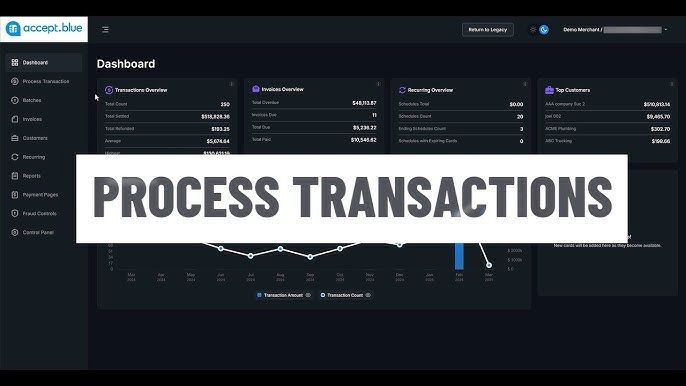
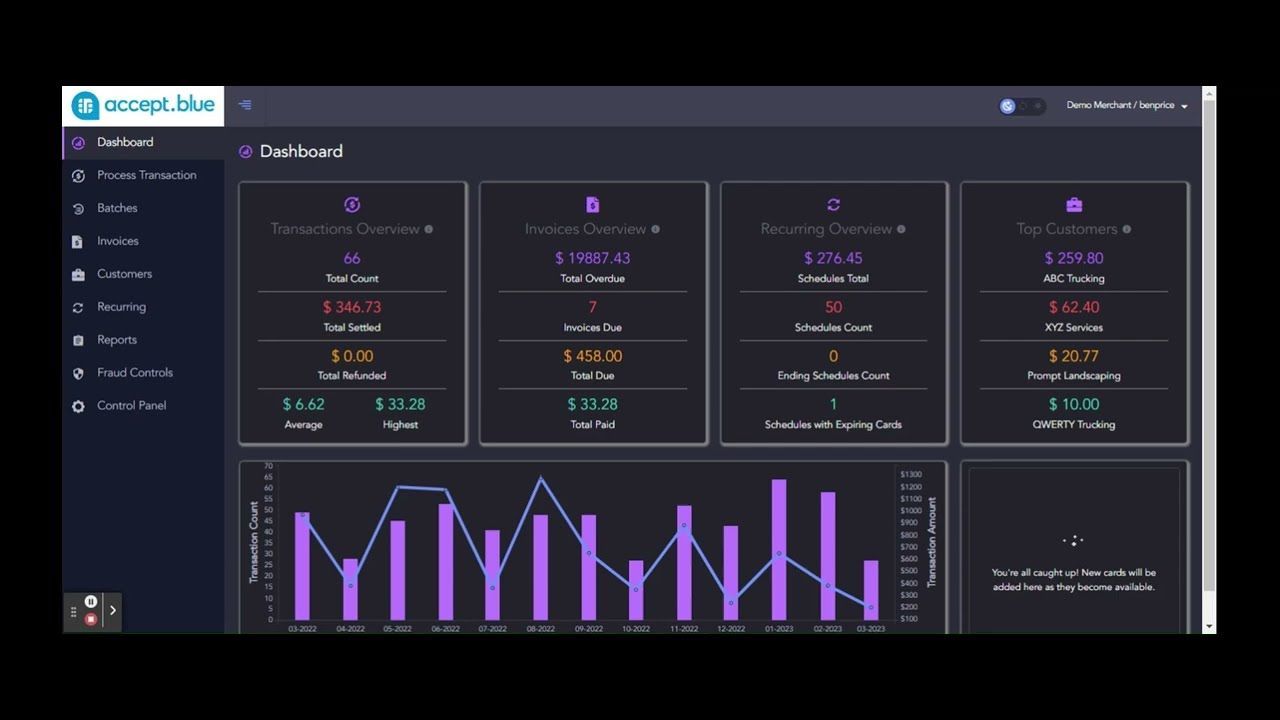
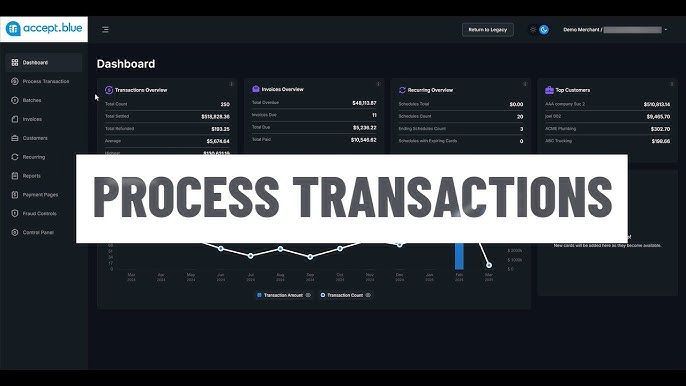
Virtual Terminal
A full-featured browser-based terminal for phone orders, MOTO transactions, and card-not-present payments. Process credit cards and ACH/eCheck from any device with no additional hardware.
Phone orders, MOTO, remote billing
ACH & eCheck Processing
Built-in ACH and eCheck processing alongside credit cards — no separate gateway needed. Ideal for high-ticket service businesses, B2B invoicing, and recurring subscription billing.
High-ticket B2B, service businesses
Hosted Payment Page
PCI-compliant hosted checkout page for eCommerce and MOTO. Embed on any website or send as a standalone link. Supports credit cards, ACH, and 3D Secure for chargeback protection.
eCommerce, invoicing, online checkout
Electronic Invoicing Suite
Send payment requests directly from the virtual terminal by email or SMS. Customers click, pay, and you receive instant notification. Includes text invoicing and surcharge support.
Service businesses, professional invoicing
CAPABILITIES
What Accept.Blue Does
Virtual Terminal
Full browser-based terminal for phone, MOTO, and card-not-present transactions. No hardware required.
ACH / eCheck Processing
Accept bank transfers and eChecks alongside credit cards from a single gateway — no secondary processor needed.
Recurring & Scheduled Billing
Flexible subscription and installment billing. Set billing frequency, amount, and duration — then let it run automatically.
Electronic Invoicing
Send payment requests by email or SMS. Includes text invoicing, real-time status tracking, and surcharge support.
Hosted Payment Page
PCI-compliant checkout page for eCommerce and MOTO. Supports credit cards, ACH, and 3D Secure.
Level 2 & 3 Data Enrichment
Automatic L2/L3 data transmission for B2B and B2G transactions. Reduces interchange costs on corporate card purchases by 0.5–1.5%.
Fraud Protection Suite
Ten configurable fraud modules. Block by amount, email, IP, domain, or risk score. Customize AVS and CVV response rules.
Secure Customer Vault
Tokenized storage for customer payment methods. Store multiple cards and bank accounts per customer for fast repeat billing.
Real-Time Reporting
Transaction history, settlement reports, and portfolio analytics — accessible from any browser, any device.
3D Secure
Shift chargeback liability to the card issuer on qualifying transactions. Increase approvals and reduce friendly fraud.
Full White Label
accept.blue is exclusively white-labeled for ISOs. Merchants see your brand — not the gateway's — for stronger retention.
eCommerce Integrations
Certified integrations with WooCommerce, Magento, Salesforce, QuickBooks, and dozens of shopping carts, ERPs, and CRMs.
HOW IT WORKS
How Monument Deploys accept.blue
01
Consultation
We evaluate your business environment, transaction volume, and workflow. We recommend the right Dejavoo model and configuration — not the most expensive option, the right one.
02
Configuration
Monument pre-configures your terminal before delivery. This includes fee program setup (dual pricing, surcharging, or standard), gateway configuration, and receipt formatting.
03
Deployment
For businesses in our service area, Monument installs on-site. Remote deployments include step-by-step guidance and phone support during setup.
04
Training
Staff training covering terminal operation, end-of-day settlement, and basic troubleshooting. Tailored to your team's experience level.
05
Ongoing Support
Monument is available during your first transactions. Ongoing support covers gateway questions, rate reviews, and any changes to your payment mix.
WHY MONUMENT PAYMENTS
Monument vs. Buying Dejavoo Direct
See what you get when you work with Monument instead of purchasing a terminal through a generic reseller.
| Feature | Buy Direct / Generic Reseller | Monument Payments |
|---|---|---|
| Business evaluation before recommending hardware | ✓ | ✓ |
| Right model selected for your workflow | ✓ | ✓ |
| Pre-configured before delivery | x | ✓ |
| Dual pricing / surcharging program setup | x | ✓ |
| On-site installation available | x | ✓ |
| Staff training included | x | ✓ |
| Ongoing technical support | x | ✓ |
| Annual processing rate reviews | x | ✓ |
Ready to find the right Dejavoo terminal?
Monument evaluates your operation and recommends the right model. Free consultation, no obligation.
COMMON QUESTIONS
Dejavoo Terminal Questions
See what you get when you work with Monument instead of purchasing a terminal through a generic reseller.
Still have questions?
Monument is happy to walk through your specific situation on a call.
Which Dejavoo terminal is right for my business?
It depends on your environment and workflow. The P1 is ideal for a fixed countertop with high transaction volume. The P3 and P8 are wireless and work well for restaurants, delivery, or businesses where staff move around. The P5 and P12 are compact mPOS options for mobile merchants. The P17 is a PIN pad designed to sit at the customer side of a counter. Monument evaluates your operation and recommends the right model before any purchase.
What payment types do Dejavoo terminals accept?
All Dejavoo P-series terminals accept EMV chip cards, contactless (NFC) payments including Apple Pay and Google Pay, traditional magnetic stripe swipe, and PIN debit. The terminals are PCI PTS certified and support end-to-end encryption.
Do Dejavoo terminals support dual pricing and surcharging?
Yes. Dejavoo terminals are compatible with Monument's dual pricing and surcharging programs. The terminal can display both the cash price and the card price at checkout, and the program is configured to comply with card network rules. Monument handles the setup and compliance.
How does the Dejavoo gateway (iPOSpays) work?
Dejavoo P-series terminals run on the iPOSpays gateway, which provides cloud-based transaction management, reporting, and remote configuration. Transactions are processed in real time, and merchants can access reporting from any device. Monument configures the gateway as part of the deployment.
Can Dejavoo terminals be used as standalone or integrated?
Both. Dejavoo terminals can operate as standalone payment devices or integrate with your existing POS software via semi-integration. Monument evaluates your current setup and configures the terminal for the right mode.
What is the difference between the P8 and P8 Dual Screen?
The P8 is a full-featured wireless terminal in a compact form factor. The P8 Dual Screen adds a second customer-facing display, making it ideal for businesses that want to show pricing, promotions, or signature capture on a dedicated screen. Both share the same processing performance.
What if I need a terminal that works offline?
Dejavoo terminals include store-and-forward functionality, which allows transactions to be captured locally when connectivity is unavailable and submitted when the connection is restored. Monument configures this feature and sets appropriate transaction limits.
Does Dejavoo work with my current processor?
Dejavoo terminals can be configured to work with multiple processors. Monument evaluates your current processing relationship and configures the terminal accordingly, or recommends a processor switch if it would benefit your rates and service.
What support does Monument provide after deployment?
Monument provides ongoing support including troubleshooting, terminal reconfiguration, processing rate reviews, and consultation as your business evolves. Dejavoo also provides direct technical support for hardware issues.